Loading video…
All breakouts
3.9Text-HeavySocial Proof hookSaaS
Hook
normalizing
@designteamofone
42.5K followers · usually 7.5K views a post
Views
29.6K
Likes
1.6K
Comments
11
Shares
64
Why it worked
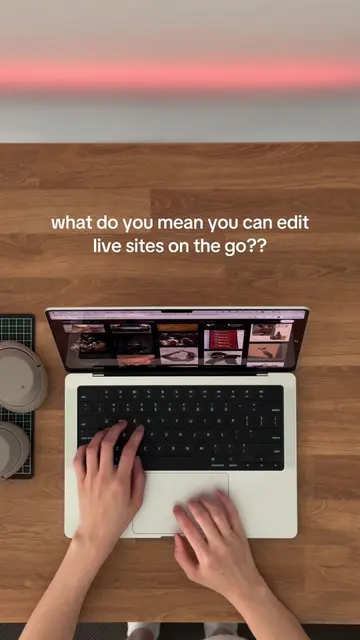
The video provides a practical, step-by-step guide to learning a complex tool (Framer) by reverse-engineering existing templates. This 'learn by doing' approach, presented as a 'final boss' challenge, is engaging and offers tangible value to aspiring web designers.
Summary
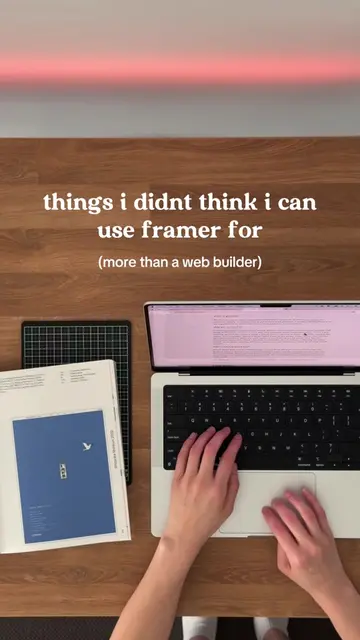
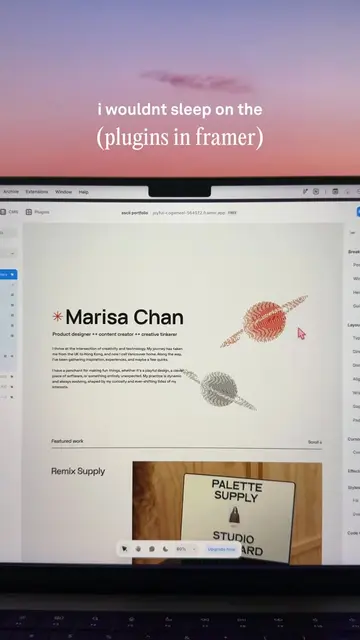
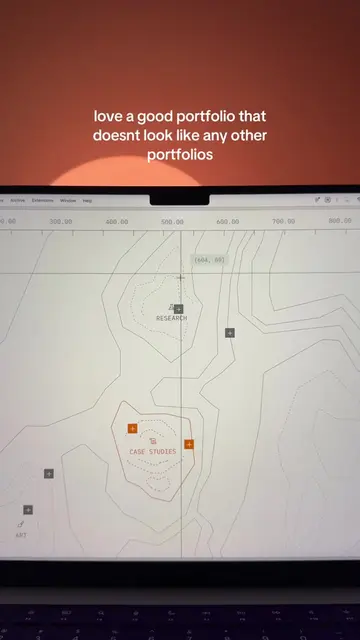
This video demonstrates a method for learning Framer, a website builder. It suggests going to the Framer marketplace, choosing a template, understanding its elements, and then recreating it from scratch without copy-pasting.
Structure
- 1Introduce the topic: normalizing learning Framer
- 2Navigate to Framer marketplace
- 3Choose a template
Original caption
the power of reverse engineering @Framer #framer #webdesigner #webdesign #webflow #websitebuilder #nocode #webdesigntips inspo: hamza ehsan 🫡 who also has a library of framer templates hxmzaehsan.com
More from @designteamofone
More breakout videos from this creator.