Loading video…
All breakouts
4.0App DemoDirect Question hookSaaS
Hook
what do you mean you can edit live sites on the go??
@designteamofone
42.5K followers · usually 7.5K views a post
Views
29.1K
Likes
1.8K
Comments
7
Shares
90
Why it worked
The video effectively showcases a powerful and convenient feature (on-page editing) of a web design tool, appealing to users who want to make quick updates without a steep learning curve. The demonstration is clear and concise, highlighting the 'magic' of real-time editing.
Summary
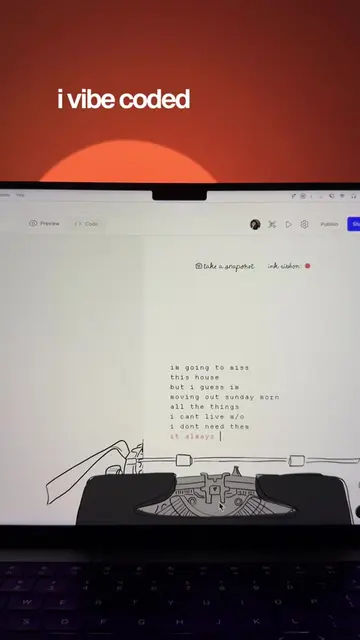
The video demonstrates Framer's on-page editing feature, showcasing how users can directly update live website content, including text and images, without needing to access the main editor. It highlights the ease of making changes like fixing typos, swapping headings, or writing blog posts directly on the live site.
Structure
- 1Introduction to editing live sites on the go
- 2Demonstration of Framer's on-page editing for text
- 3
Original caption
time to pitch @framer to my marketer with on-page editing, anyone can now update site content directly on the live page – no need to dive into the canvas. whether it's fixing a quick typo, swapping out a heading, or writing an entire blog post, it's now as simple as clicking and typing. #webdesigner #webdesign #webflow #websitebuilder #nocode #webdesigntips #buildwithframer
More from @designteamofone
More breakout videos from this creator.