Loading video…
All breakouts
4.8App DemoWarning hookSaaS
Hook
i wouldnt sleep on the (plugins in framer)
@designteamofone
42.5K followers · usually 7.5K views a post
Views
36.2K
Likes
2.2K
Comments
8
Shares
108
Why it worked
The video leverages the 'native mention' strategy by showcasing useful plugins within a popular design tool (Framer) without an overt sales pitch. This appeals to designers looking for new tools and techniques, driving organic interest and potential adoption.
Summary
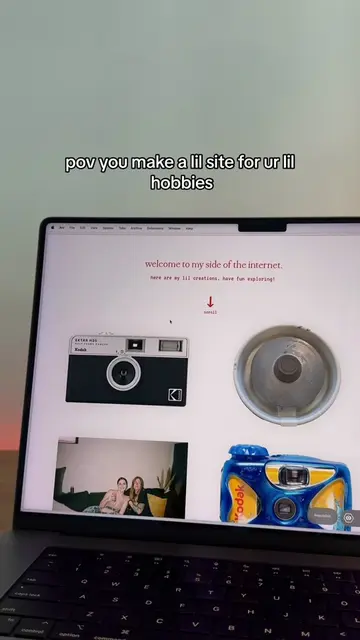
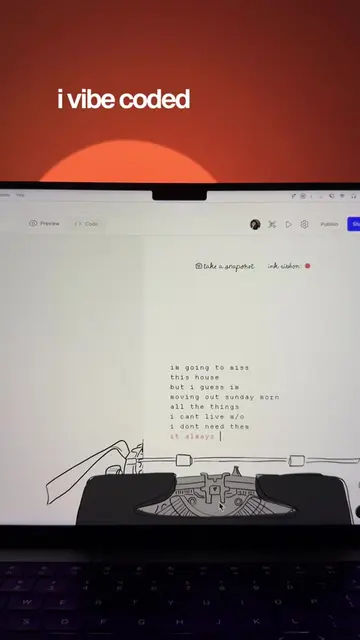
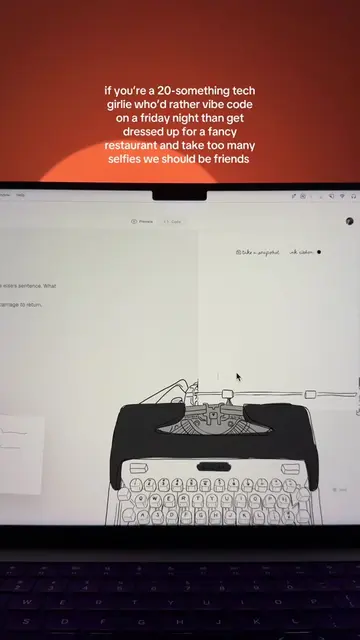
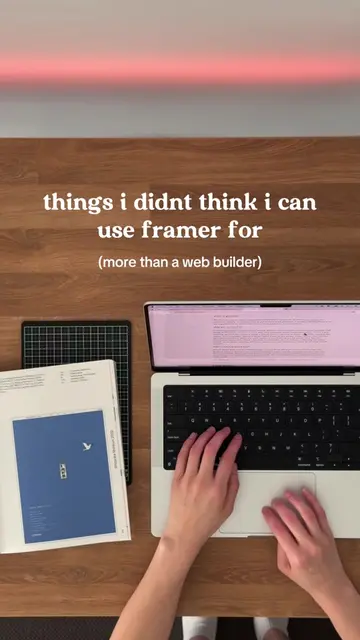
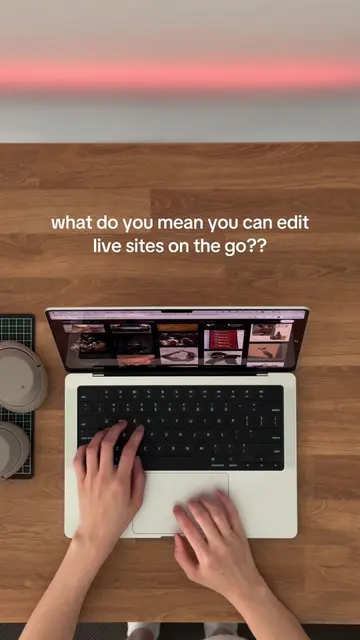
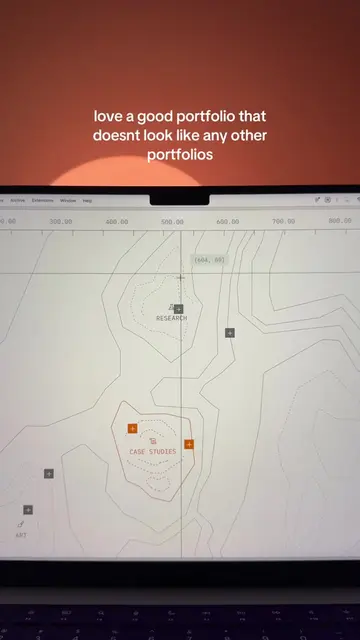
This video demonstrates how to use plugins within the Framer web design platform. It showcases the 'Dither', 'ASCII', and 'Doodles' plugins, illustrating their functionality and how they can be integrated into a Framer project.
Structure
- 1Introduction to Framer plugins
- 2Demonstration of the 'Dither' plugin
- 3Demonstration of the 'ASCII' plugin
Original caption
how to add @Framer to your project 1. create new project or open existing project 2. select "plugins" on the top nav 3. search for "dither" / "ascii" / "doodles" 4. launch && enjoy ✨ #framer #webdesigner #webdesign #webflow #websitebuilder #nocode #webdesigntips #framerpartner #buildwithframer
More from @designteamofone
More breakout videos from this creator.