Loading video…
All breakouts
5.3App DemoWarning hookAI Tools
Hook
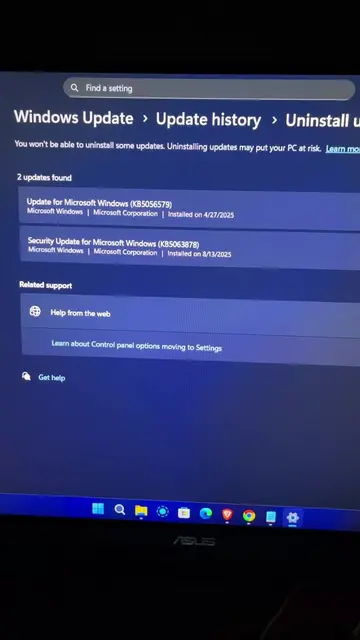
If you have a PC, you need these settings right now
@smart.easy
890.2K followers · usually 15.8K views a post
Views
75.5K
Likes
3.2K
Comments
24
Shares
584
Promoted product
Windows Storage Sense
Why it worked
The video provides a quick and actionable tip for improving PC performance, a common pain point for many users. The native mention format, where the product is integrated into helpful content rather than being a direct advertisement, likely contributed to its effectiveness.
Summary
This video demonstrates how to optimize PC performance by enabling and configuring Windows Storage Sense. It guides users through the settings to automatically clean temporary files, empty the recycle bin, and manage downloads.
Free accountLocked — create a free account to open
Transcript, structure and on-screen text
5 beats, a 91-word transcript and 30 lines of on-screen text — the parts you need to write your own version.
Original caption
your pc sluggish? Turn on windows storage sense: settings › system › storage, set it to clean weekly + auto-empty recycle bin after 14 days. instant free space, faster boot. like for more. #pctips #windowsusers #storagesense #pcperformance #howto #tutorial
More from @smart.easy
More breakout videos from this creator.