Loading video…
All breakouts
11.4Talking HeadWarning hookConsumer Apps
Hook
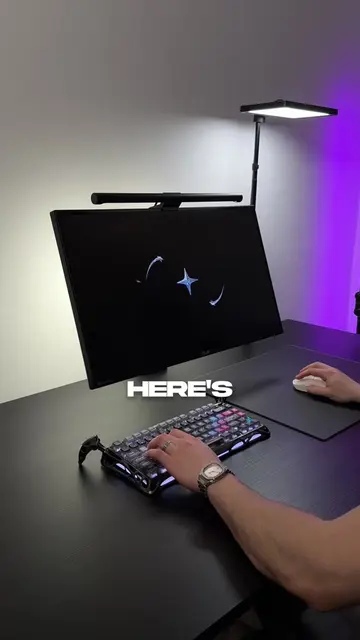
Here's a Windows tip that could actually SAVE your PC
@astraltech
140.0K followers · usually 97.0K views a post
Views
1.4M
Likes
97.3K
Comments
672
Shares
9.9K
Promoted product
Windows Delivery Optimization
Why it worked
The video addresses a common pain point for PC users, especially gamers and streamers, by offering a practical solution to improve internet performance. The clear, step-by-step instructions and the 'baked in' to the content make it highly shareable and valuable.
Summary
This video explains how Windows Delivery Optimization can slow down your internet by uploading updates to other PCs in the background. It provides a step-by-step guide on how to disable this feature through Windows settings to improve performance during gaming, calls, and streaming.
Structure
- 1Introduction to the Windows tip
- 2Explanation of Delivery Optimization
- 3Demonstration of how to disable the feature
- 4Concluding remarks on performance improvement
Product placement
The video demonstrates how to disable 'Delivery Optimization' in Windows settings, which is a feature that allows PCs to share update bandwidth with other computers on the internet.
Call to action
Do this right now and follow for more tips like this.
On-screen text
WINDOWS
ACTUALLY
SAVE YOUR
PC
IS
YOUR
RIGHT
UPDATES
COMPUTER
DELIVERY
OPTIMIZATION
TURNED
YOU'RE
CALL
SOMETHING
UPLOAD
BACKGROUND
RANDOM
PC
MICROSOFT
TOLD
TURN
SETTINGS
CLICK
ADVANCED OPTIONS
DELIVERY OPTIMIZATION
TOGGLE
DOWNLOADS
PC
OFF
NEVER
UPLOAD
AGAIN
CALLS
ALL
MICROSOFT
BACK
NOW
TIPS
Original caption
Here's a Windows tip that could actually SAVE your PC pt. 4 😳 #pc #windows #TechTips #windows11
More from @astraltech
More breakout videos from this creator.