Loading video…
All breakouts
 9 videos
3.8App DemoOther hookSaaS
Hook
Dark/Light Mode
@kennasolly
23.5K followers · usually 3.8K views a post
Views
14.4K
Likes
1.3K
Comments
31
Shares
32
Promoted product
Gaavorgaavor.com
Login
Why it worked
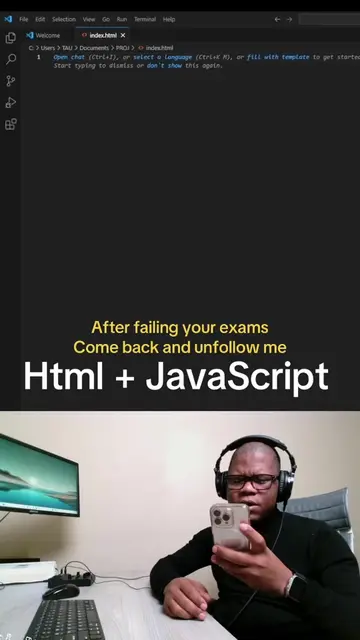
The video provides a clear, concise, and practical demonstration of a common web development feature, making it highly valuable for aspiring developers. The use of a simple, relatable example like dark/light mode and the direct, step-by-step coding explanation likely contributed to its shareability and engagement.
Summary
The video demonstrates how to implement a dark/light mode toggle on a webpage using HTML, CSS, and JavaScript. It shows how to define styles for the dark mode and then uses JavaScript to toggle a class on the document body when a button is clicked, effectively switching between light and dark themes.
Structure
- 1Introduce dark/light mode concept
- 2Add CSS styles for dark mode
- 3Create a button in HTML
- 4
Original caption
Web Developer, App Developer #app #fnbsouthafrica #inbappacademy #softwaredeveloper #appdeveloper #softwaredevelopment #webdeveloper #AWS #Cloud
More from @kennasolly
More breakout videos from this creator.