Loading video…
All breakouts

4.1App DemoOther hook
Hook
Dark Mode Toggle
@talbcode
6.7K followers · usually 803 views a post
Views
3.3K
Likes
219
Comments
3
Shares
21
Selling · Other Product
—
Why it worked
The video provides a concise and practical tutorial on a popular web development feature, dark mode, with clear code explanations and a functional demonstration. The use of local storage for theme persistence adds significant value for users.
Summary
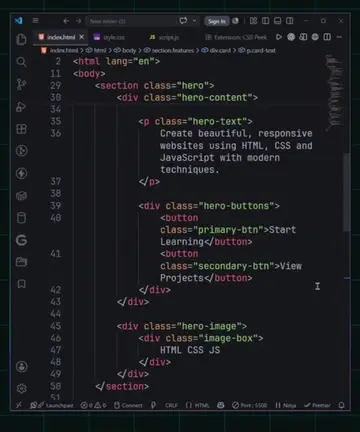
This video demonstrates how to implement a dark mode toggle feature in a web application using HTML, CSS, and JavaScript. The code utilizes local storage to remember the user's preferred theme, ensuring it persists even after page reloads.
Structure
- 1Introduce dark mode toggle functionality
- 2Set up HTML structure with a button
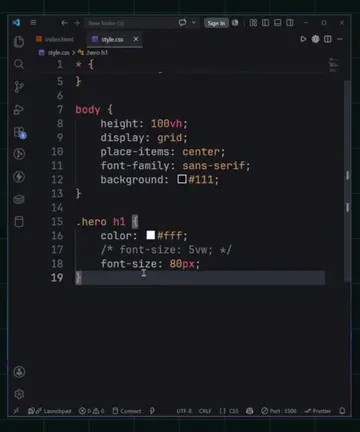
- 3Style the page with CSS variables for light and dark modes
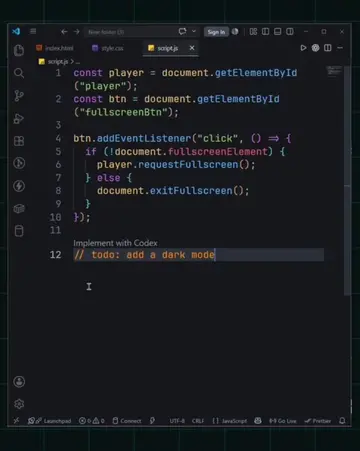
- 4Implement JavaScript to toggle the 'dark' class on the body
- 5Save the theme preference using local storage
- 6Demonstrate functionality and persistence
Call to action
subscribe to my youtube channel
On-screen text
Dark Mode Toggle
Code With TousHif
Original caption
Build Dark Mode in 60 Seconds (It Saves Automatically) Build Dark Mode with LocalStorage in 60 Seconds - It Auto Saves (HTML, CSS & JavaScript) Dark Mode & LocalStorage in 60 Seconds #talbcode #webdevelopment #javascript #darkmode #coding #programming #htmlcss
More from @talbcode
Their other posts in the index, biggest breakout first.