Loading video…
Sound

original sound - 222nizzy
222nizzy · Original audio
0:00–:––
Playing this video’s own audio, so you’ll hear the creator over the sound.
The video provides a clear, concise, and actionable tutorial on a popular feature (dark mode) that many developers seek to implement. By demonstrating the process with specific libraries and code examples, it offers immediate value and a solution to a common problem.
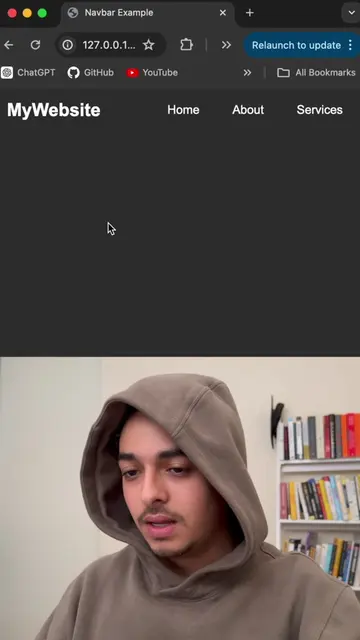
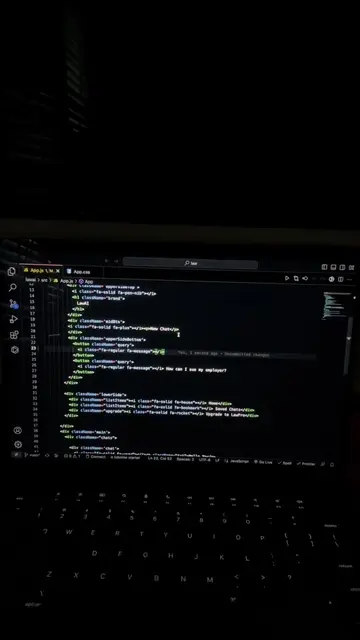
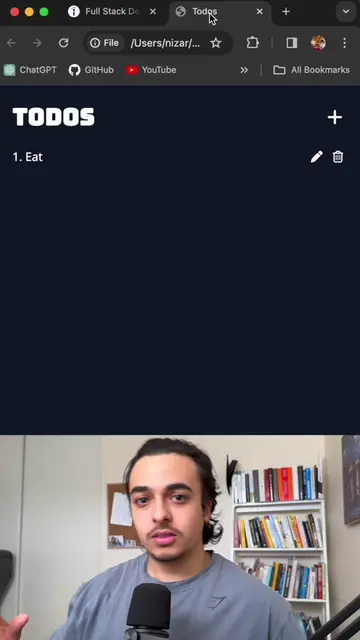
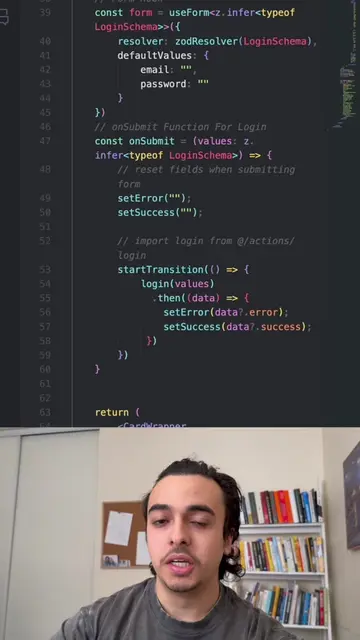
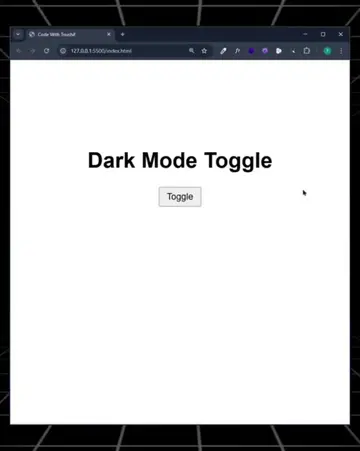
This video demonstrates how to implement light and dark mode functionality into a web application using Next.js and the `next-themes` library. It covers installation, setting up a theme provider, and creating a mode toggle component.
Add Light/Dark Mode Into Your App 🌙🧑🏽💻 #fyp #viral #tiktok #coding
IMPLEMENT LIGHT MODE
Introduce light/dark mode implementation
Install next-themes for Next.js or react-toggle-dark-mode for React
Create a theme provider component
Implement the mode toggle functionality
Wrap the application with the theme provider
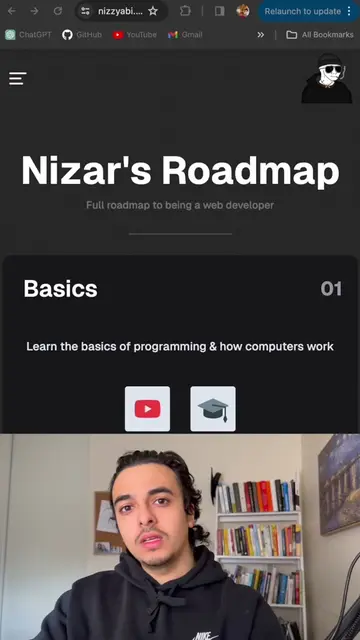
next-themes: ACTS - it is a library used to implement light and dark mode into a Next.js application. Removing it would change what happens in the video. react-toggle-dark-mode: ACTS - it is a library used to implement light and dark mode into a React application. Removing it would change what happens in the video. nizzyabi.com: ACTS - it is the creator's website, which is implied to be the product being promoted. Removing it would change what happens in the video.
Playing this video’s own audio, so you’ll hear the creator over the sound.
Personal website of Christoffer Bjelke
All time.
Promotes 8 products. Create free account to see more.
Outliers and viral hits: their videos on Overshot, all time.