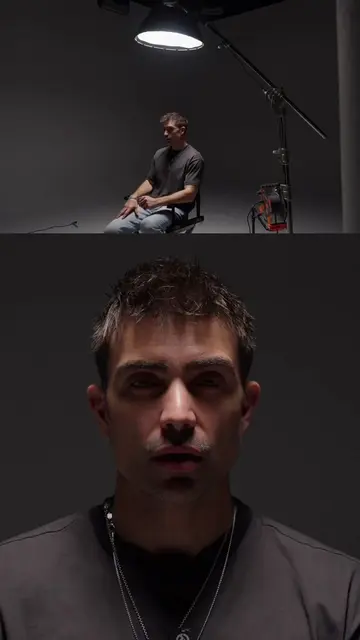
Loading video…
All breakouts
63.7Talking HeadWarning hookCreator Economy
Hook
Stop filming vertical content on Sony cameras until you change this one setting.
@thatcreativeceo
34.5K followers · usually 1.9K views a post
Views
117.1K
Likes
5.3K
Comments
123
Shares
615
Why it worked
The video provides immediate, actionable value for a specific niche audience (Sony camera users) by solving a common technical pain point in under 30 seconds.
Summary
The creator provides a quick tutorial on how to enable the 9x16 aspect ratio marker on Sony cameras to ensure proper vertical framing. This setting helps content creators avoid composition issues during filming.
Structure
- 1Identify the problem with vertical filming on Sony cameras
- 2Step-by-step menu navigation for settings
- 3Demonstrate the 9x16 overlay on the camera screen
- 4Explain the benefit of the setting
On-screen text
Stop filming vertical content on Sony cameras until you change this one setting.
Transcript
Stop filming vertical content on Sony cameras until you change this one setting. Go to menu, go to shooting, go all the way down to marker display, marker display on, and aspect marker on 9x16. Now on screen you have the perfect vertical framing. So now you always know when your subject is in the right vertical framing and you won't miss anything at all. Now you know.
Original caption
If you film vertical content but don’t have this frame on your screen… You’re risking cut-off heads, bad composition, and wasted takes. Turn on your 9x16 overlay and shoot like a pro every time. 🎯 Simple setting. Massive upgrade. #fyp #contentcreator #ceomindset #videotips #contentcreation #filmmakingtips #
More from @thatcreativeceo
More breakout videos from this creator.