Loading video…
All breakouts
251Talking HeadWarning hookCreator Economy
Hook
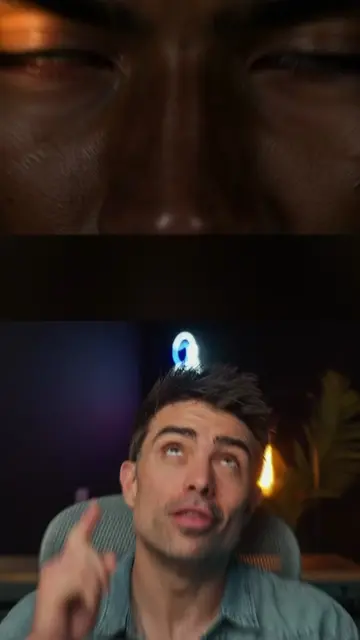
Stop using your key light wrong.
@thatcreativeceo
34.5K followers · usually 1.9K views a post
Views
462.0K
Likes
33.9K
Comments
155
Shares
2.3K
Why it worked
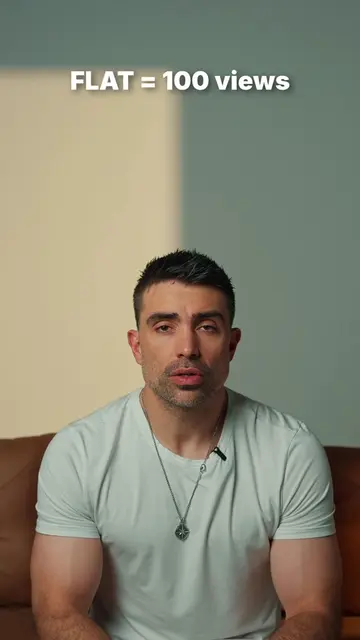
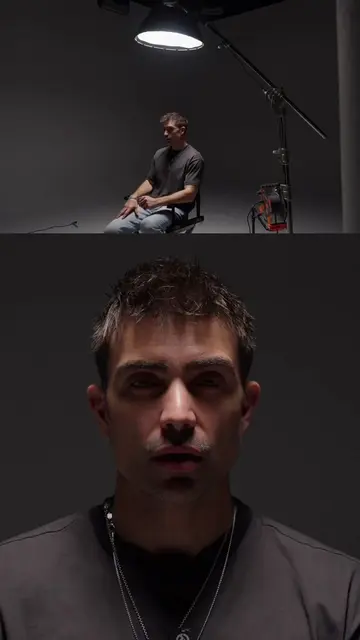
The video provides immediate, actionable value by addressing a common pain point for creators with a clear visual demonstration of 'before' and 'after' lighting setups.
Summary
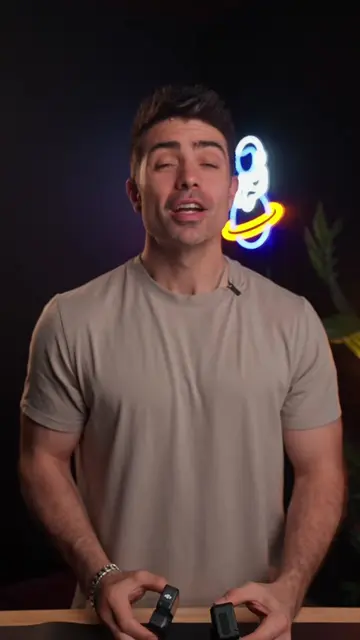
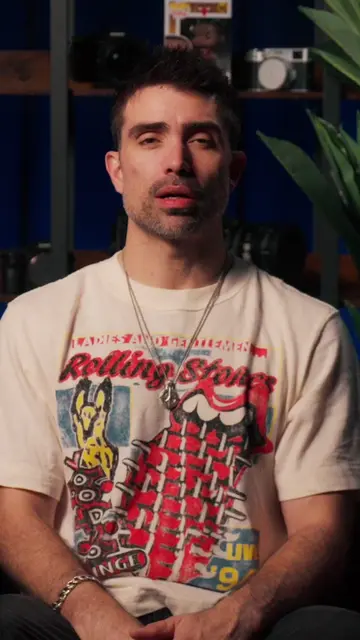
The creator explains how to properly position a key light using a technique called feathering to achieve a more cinematic look. He demonstrates the difference between pointing a light directly at a subject versus angling it to avoid light spill.
Structure
- 1Identify the common lighting mistake
- 2Explain why direct lighting is problematic
- 3Introduce the feathering technique
- 4Explain the benefits of feathering
- 5Final summary
On-screen text
Stop using your key light wrong.
Do it like this.
DAY 1
of making
you a better
creator
X
First, it ruins that soft
cinematic look.
And there's a
bunch of light
spill on the
background.
This is feathering.
This gives a
softer look to
your skin and
completely gets
light off the
background.
Now you know.
Transcript
Stop using your key light wrong. Do it like this. Day 1 of making you a better creator. Stop pointing your key light directly at your subject. First, it ruins that soft cinematic look. And there's a bunch of light spill on the background. This is feathering. Aim the center of the light past the face so that the outside of the soft box is what is lighting you or your subject. This gives a softer look to your skin and completely gets light off the background. Now you know.
Original caption
Day 1 of creator tips! Your lighting looks flat because you’re aiming it wrong. Feather the light = soft, cinematic, pro. Save this for your next shoot! #fyp #contentcreationtips #contentcreation #cinematicvideo #lightingtips
More from @thatcreativeceo
More breakout videos from this creator.