Loading video…
All breakouts
12.2Talking HeadListicle hookCreator Economy
Hook
The vertical filming checklist
@thatcreativeceo
34.5K followers · usually 1.9K views a post
Views
22.5K
Likes
597
Comments
2
Shares
64
Why it worked
The video provides immediate, actionable value by addressing a common pain point for content creators with clear, visual demonstrations.
Summary
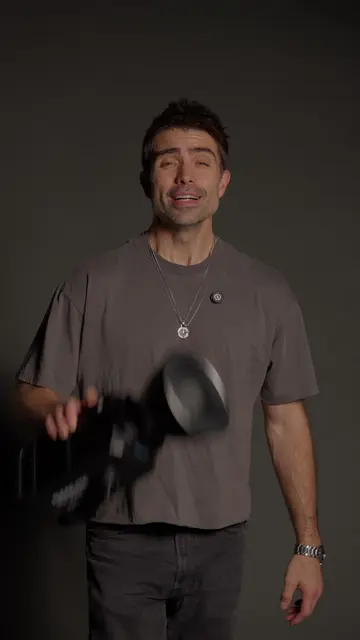
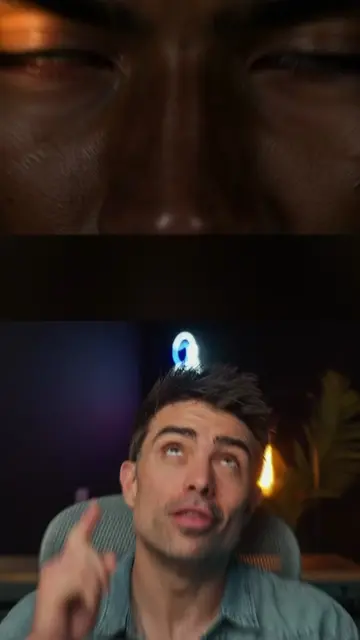
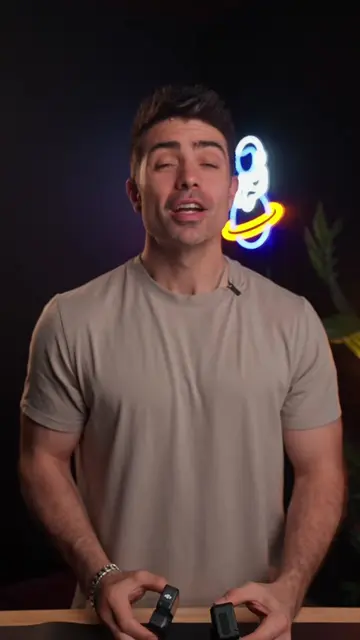
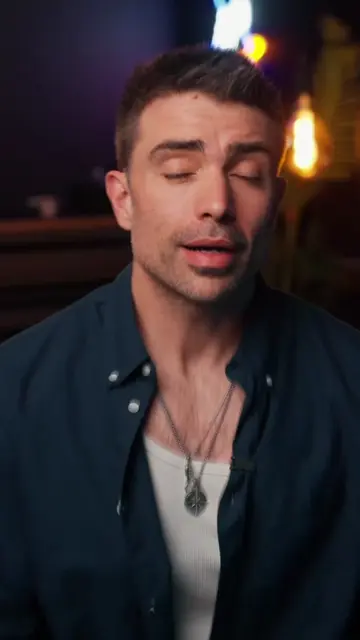
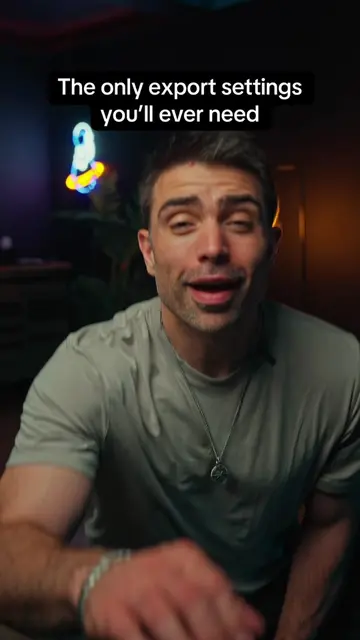
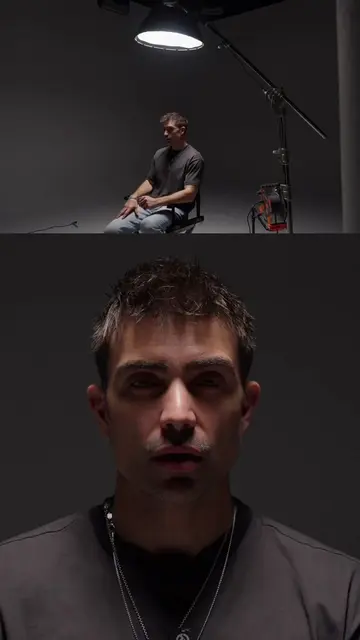
The creator explains the optimal positioning for a subject in a vertical video frame to allow for editing flexibility. He demonstrates where to place the subject to accommodate text hooks and captions.
Structure
- 1Introduction to vertical filming framing
- 2Demonstration of poor vs good framing
- 3Explanation of zoom flexibility
- 4Placement guide for text and captions
On-screen text
The vertical filming checklist
ZOOM IN
Your text hook goes here
and your captions go here.
Transcript
The vertical filming checklist. Remember, don't frame here, frame here. So you can do zoom in this or this. Your text hook goes here and your captions go here. Now you know.
Original caption
Every video you have ever posted has one thing you never thought about and it is deciding how professional your content looks before you say a single word. Where you sit in the frame is not a random choice. It is a decision that affects your text hooks, your captions, your ability to punch in for emphasis, and how clean your final edit looks. Most creators center themselves because it feels natural. But centering kills every editing option you have and makes your content look like a FaceTime call instead of something worth following. One adjustment to where you position yourself in the frame fixes all of it. Did you know about this? Try it on your next video. #contentcreator #contentcreationtips #socialmediagrowth #socialmediatipps
More from @thatcreativeceo
More breakout videos from this creator.