Loading video…
Sound

Glow Up in God challenge
Naija Liberian 🇳🇬🇱🇷 · Original audio
0:00–:––
- Videos using it
- 8
- Creators
- 8
- Views on those videos
- 1.0M
The video uses a clear 'before and after' visual transformation, which is a highly effective way to demonstrate the value of a design tool without needing a complex script.
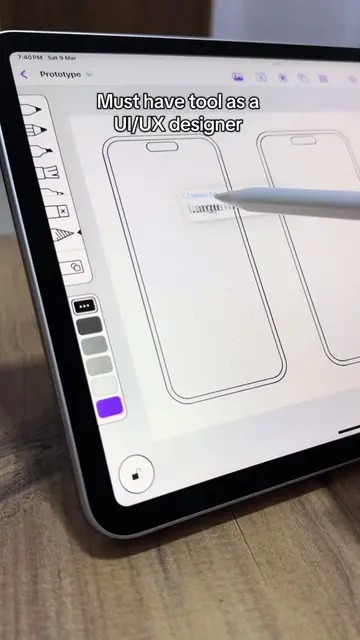
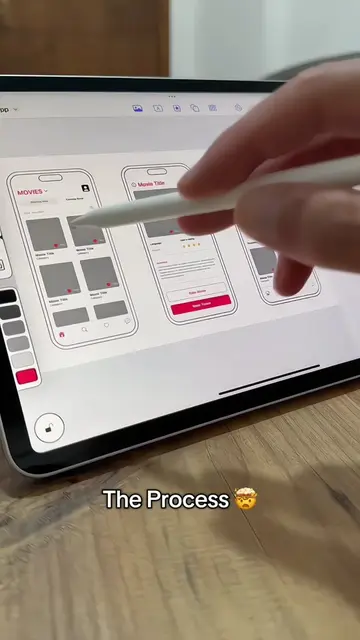
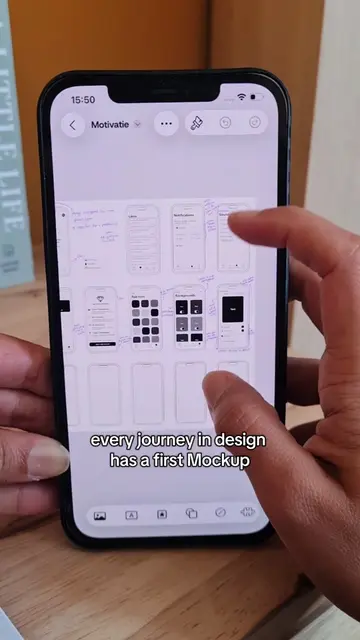
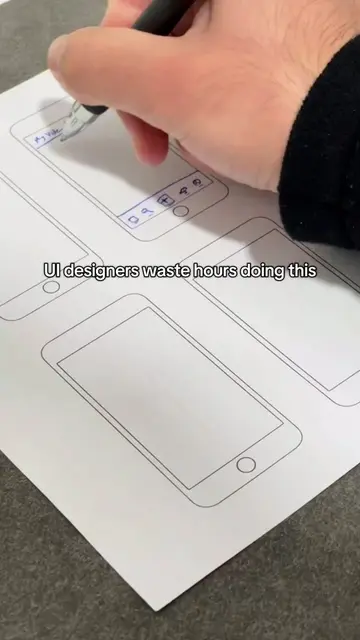
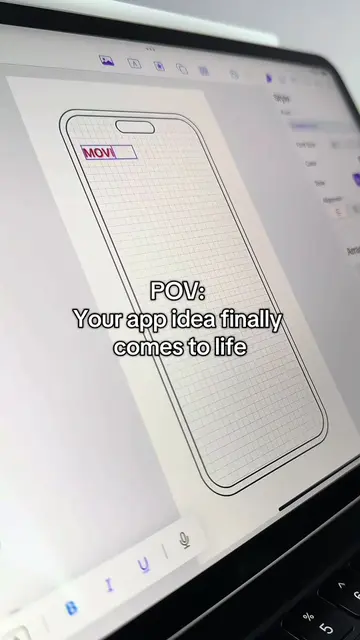
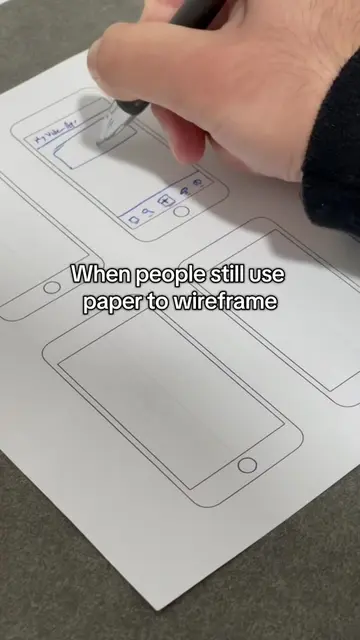
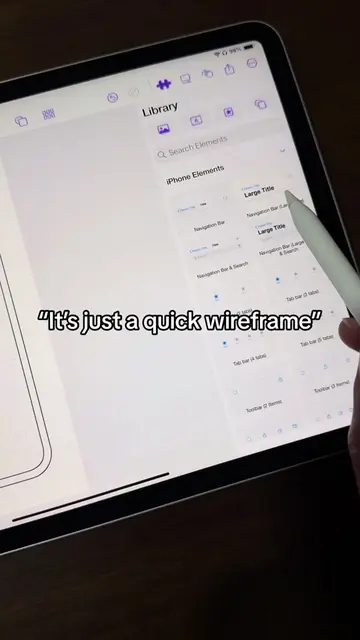
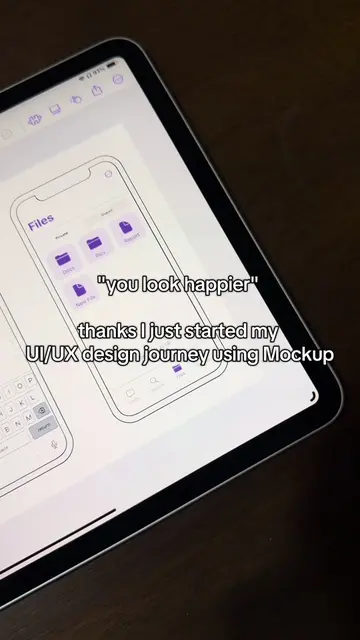
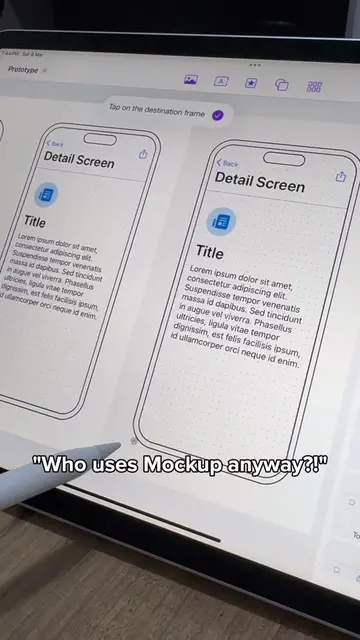
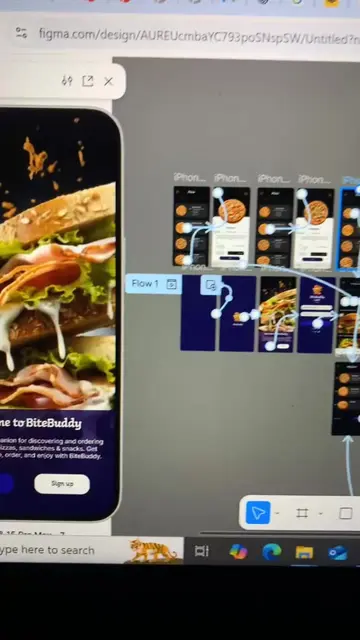
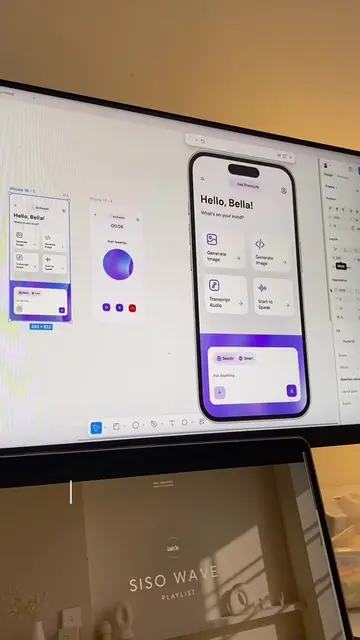
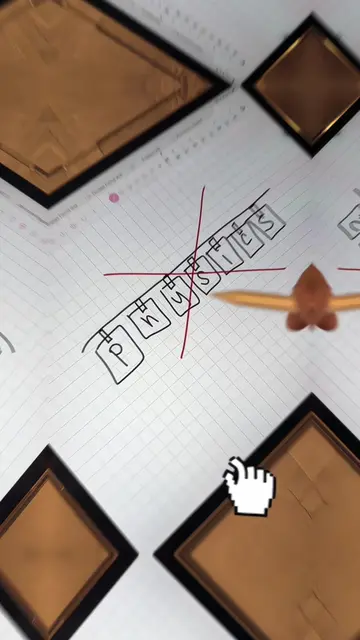
The creator demonstrates a transition from paper-based wireframing to using the Mockup app on an iPad. The video highlights the app's features for UI/UX design and prototyping.
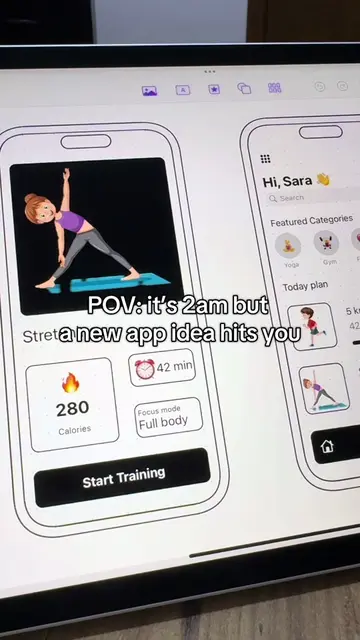
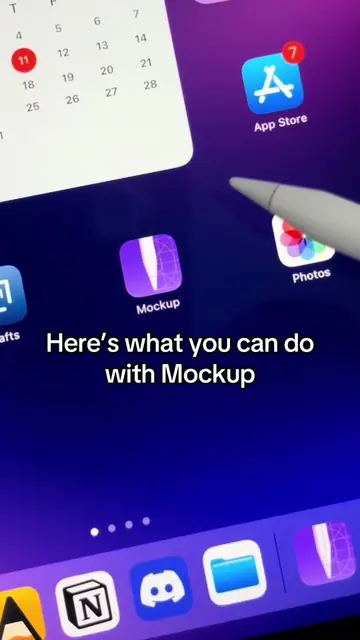
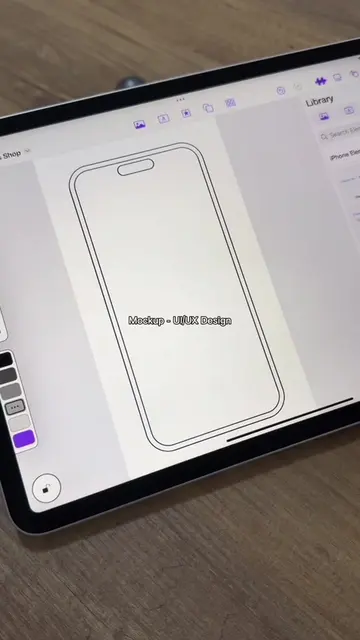
I went from wireframing on paper to wireframing using my current favorite app: Mockup - UI/UX Design 🤩 It’s got everything a UI & UX designer needs and more: from 45+ device frames, versatile drawing tools, preset elements, 4000+ SF symbols, to creating interactive flows, previewing my prototypes, and more. 🤩 Designers, you really need this app in your workflow. 👌💜 #sketch #wireframe #prototype #mockup #design #uiux #uiuxdesign #mobileapp #ipad #flow #appstore
I went from this
Show paper wireframe sketches
Show digital wireframe sketches on iPad
Show final polished UI design in the app
Recommend the app for designers
The Mockup app is the central subject of the video, shown in use on an iPad.
Designers, you really need this app in your workflow.
Outliers and viral hits: their videos on Overshot, all time.
IPad app for designers creating and prototyping mobile interfaces
All time.