Why it worked
The video succeeds by providing a satisfying, aesthetic 'behind-the-scenes' look at a professional workflow, which appeals to both aspiring designers and those interested in productivity content.
Summary
The creator documents their process of designing two mobile app screens in Figma as a practice exercise. They show the initial wireframe sketches in a notebook followed by the digital execution in the software.
Structure
- 1Introduction to the design task
- 2Sketching wireframes in a notebook
- 3Transition to Figma screen recording
- 4Explanation of the design process
- 5Final reveal of the completed UI screens
Product placement
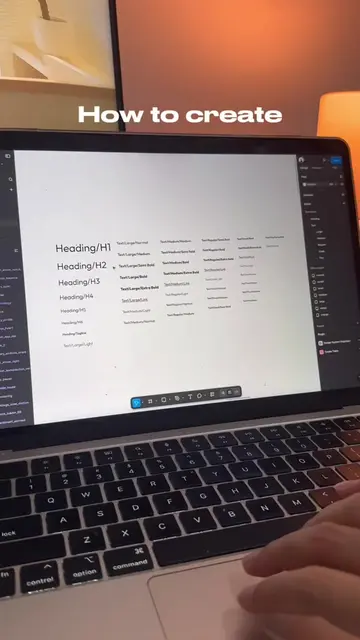
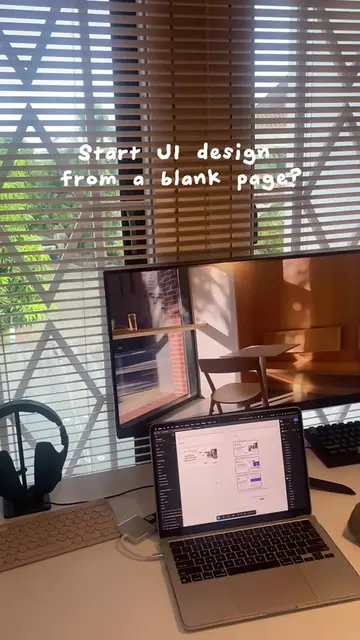
Figma is used as the primary design tool throughout the video.
Call to action
Feel free to leave any feedbacks!
On-screen text
An hour in my life as a UI/UX Designer
Create wireframes for 2 pages
It look like thiss
Start designing on figma
Ignore my screen below, I was planning to use design system from untitled UI but
I decided to create it from scratch
this design is for exercising purpose
Because the design draft for company/clients are confidential until it released
I created 2 design pages
One is homepage for an AI chat page
And the other one is the 'start to speak' page
Hang on, we're about to finish
2 pages are done!
And here is the result
Feel free to leave any feedbacks!