Loading video…
All breakouts
4.4Text-HeavyOther hookConsumer Apps
Hook
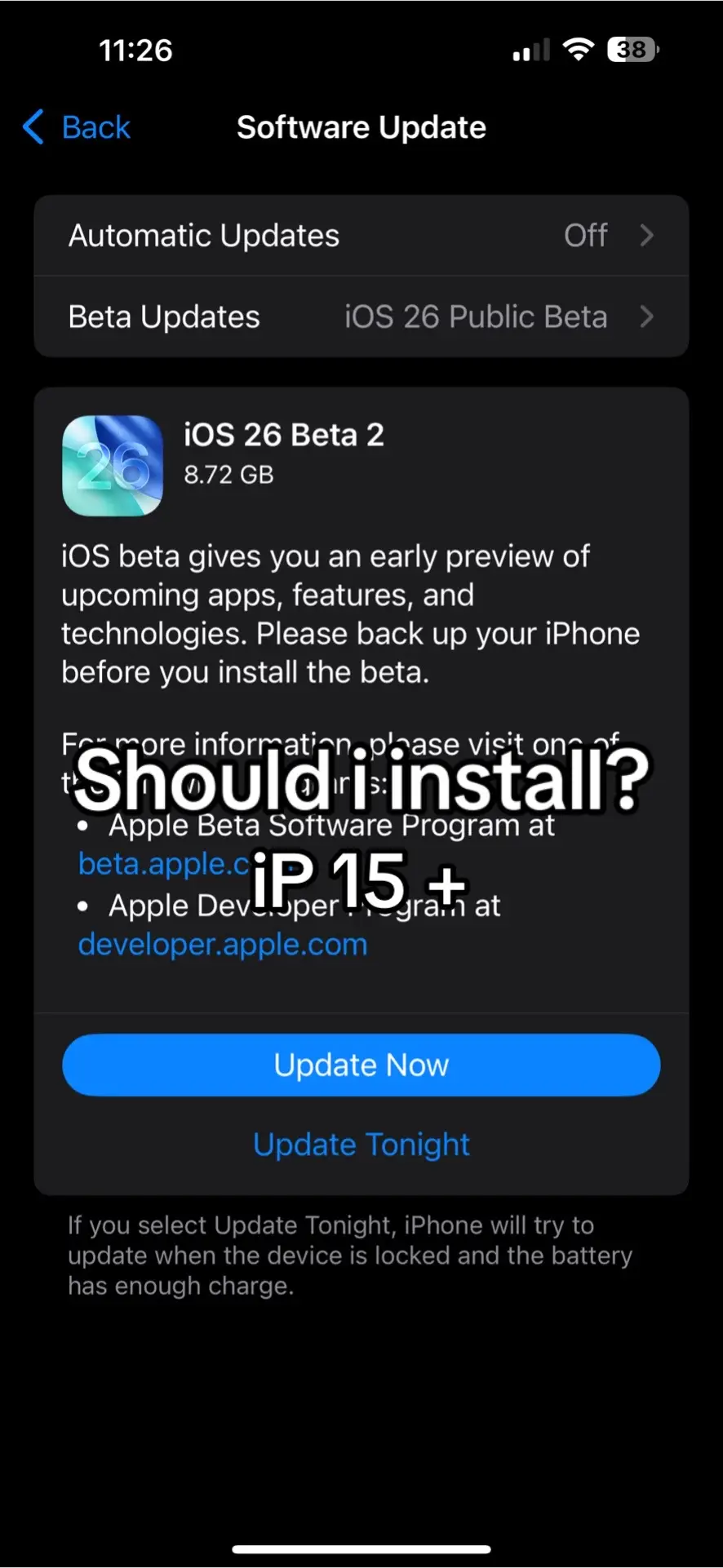
11:26 Back Software Update
@ja1lbreaktech
2.8K followers · usually 5.5K views a post
Views
17.0K
Likes
111
Comments
70
Shares
2
Why it worked
The video likely performed well due to its relevance to a popular and frequently updated operating system, tapping into user curiosity about new features and the potential risks/benefits of beta software.
Summary
The video displays a series of screenshots from an iPhone's software update screen, detailing the iOS 26 Beta 2 update. It provides information about the beta, including links to Apple's Beta Software Program and Developer Program, and presents options to 'Update Now' or 'Update Tonight'.
Structure
- 1Software Update screen
- 2iOS 26 Beta 2 details
- 3Information and links
- 4Update options
On-screen text
11:26
Back
Software Update
Automatic Updates
Off
Beta Updates
iOS 26 Public Beta
iOS 26 Beta 2
8.72 GB
iOS beta gives you an early preview of
upcoming apps, features, and
technologies. Please back up your iPhone
before you install the beta.
For more information, please visit one of
the following:
Should I install?
• Apple Beta Software Program at
beta.apple.com
• Apple Developer Program at
developer.apple.com
Update Now
Update Tonight
If you select Update Tonight, iPhone will try to
update when the device is locked and the battery
has enough charge.
Original caption
install ios 26 beta 2? #fyp #olebrandselect #ipad #ipad #iphone #apple #ios26 #ios18
More from @ja1lbreaktech
More breakout videos from this creator.