Loading video…
All breakouts
 64 videos45 creators
32.5Talking HeadContrarian hookCreator Economy
Hook
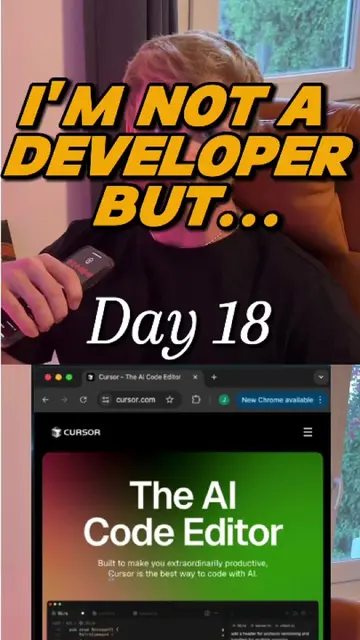
You're wasting your time with Cursor.
@julianisdoing
4.8K followers · usually 871 views a post
Views
27.8K
Likes
955
Comments
33
Shares
99
Promoted product
Cursorcursor.com
Built to make you extraordinarily productive, Cursor is the best AI coding agent.
Why it worked
The video addresses a specific pain point for a niche audience (developers using AI tools) and provides actionable, high-value technical advice that promises immediate productivity gains.
Summary
The creator explains three specific settings changes in the Cursor AI code editor to improve performance and workflow efficiency. He advises users to disable auto-mode, enable Max Mode, and use Ask mode for planning before switching to agent mode.
Structure
- 1Identify the problem with default Cursor settings
- 2Advise disabling auto-mode for better model selection
- 3Explain the benefit of enabling Max Mode
- 4
Original caption
Stop letting Cursor's default settings sabotage your workflow. If your AI feels slow, inconsistent, or just plain dumb... it's not you, it's the settings. Here are the 3 changes I recommend to unlock "pro mode" and 10x my productivity. This is the setup they don't tell you about. #cursor #vibecode #developer #buildinpublic #programming
More from @julianisdoing
More breakout videos from this creator.