Loading video…
Sound

original sound - mr.tiknik
Mr.Tiknik · Original audio
0:00–:––
Hook
Posted Nov 20, 2025Video · 0:46by @mr.tiknik
The video provides a highly practical, step-by-step solution to a common user frustration (custom ringtones on iPhone) using a free, accessible tool, making it highly shareable and useful.
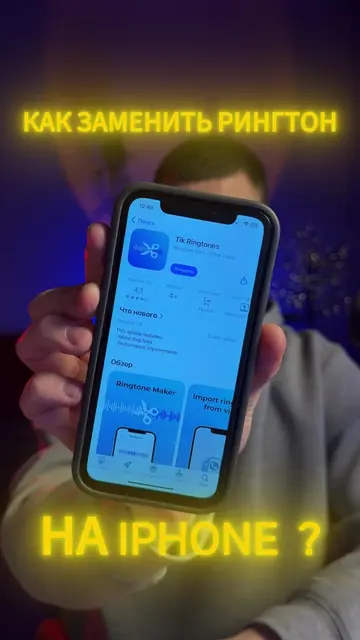
The creator demonstrates a step-by-step process for downloading audio from TikTok and setting it as a custom ringtone on an iPhone using the website Tiktokio. The tutorial covers copying the TikTok link, using the downloader site, and configuring the file in the iPhone's settings.
Ganito magdownlod ng mga Ringtone sa Tiktok at ilagay sa iPhone mo, Step by Step tutorial #fyp #creatorsearchinsight #tiktokringtone #tiktokio #mrtiknik
Gusto mo bang gawing ringtone ang mga trending songs sa TikTok? Updated na ang iOS 26, pero good news, pwede na natin lagyan ng ringtone in just 30 seconds. Let's go!
Identify the problem of setting custom ringtones
Copying a link from TikTok
Using the Tiktokio website to convert the video to MP3
Saving the file to the iPhone Files app
Setting the downloaded audio as a ringtone
Tiktokio is the primary tool demonstrated for downloading and converting TikTok audio.
Like and follow for more.
Web tool for downloading TikTok videos and audio without watermarks, for TikTok users
All time.
Promotes 10 products. Create free account to see more.
Outliers and viral hits: their videos on Overshot, all time.