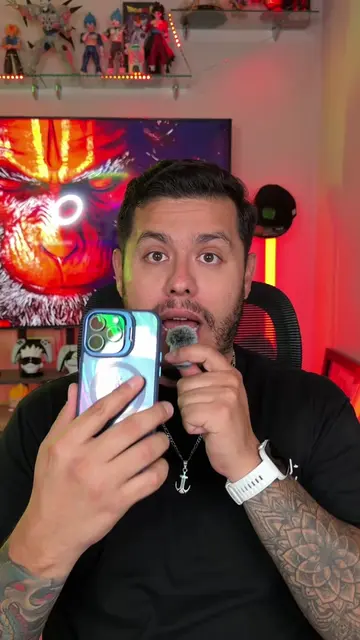
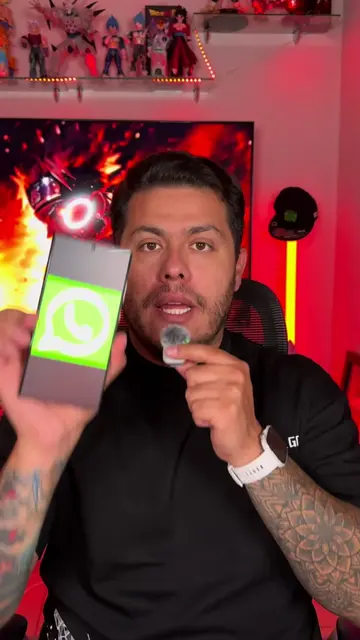
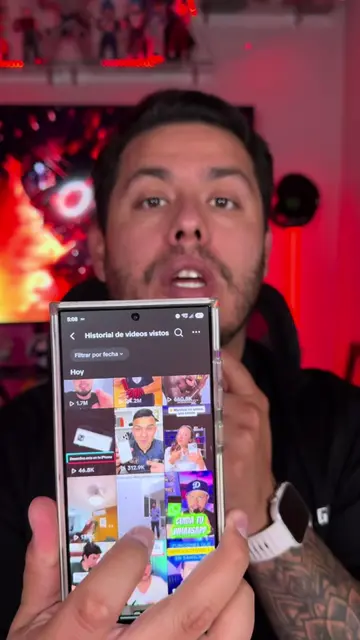
Loading video…
All breakouts
11.7App DemoHow-To hookConsumer Apps
Hook
CAMBIA TU TONO DE LLAMADA
@omarprado_tips
404.8K followers · usually 202.1K views a post
Views
2.1M
Likes
28.0K
Comments
220
Shares
2.8K
Promoted product
Tik Ringtones
Why it worked
The video provides a practical, step-by-step tutorial for a common user desire (customizing iPhone ringtones) using readily available platforms (TikTok and a specific app), making it highly shareable and useful.
Summary
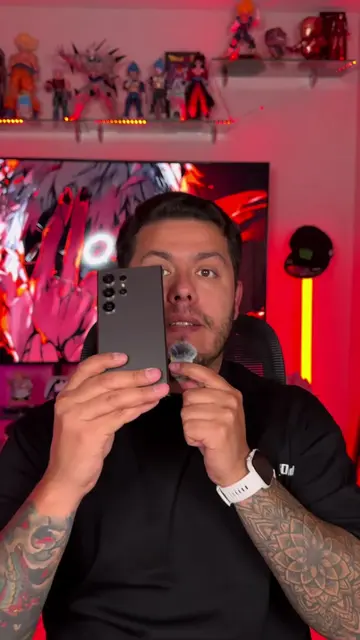
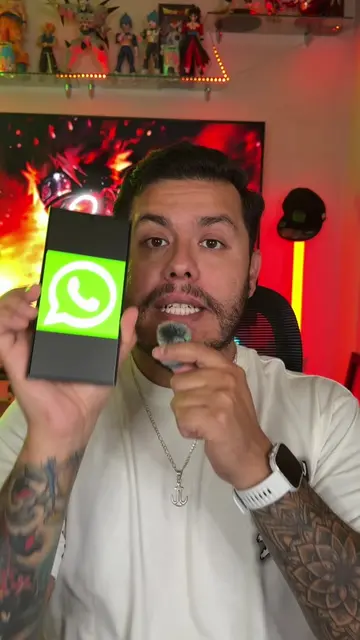
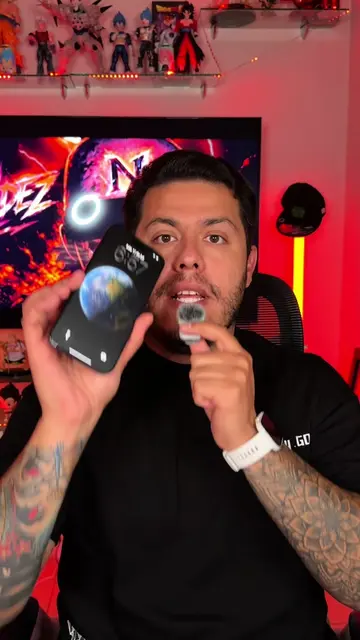
This video demonstrates how to use any video or song as a ringtone on an iPhone. It involves searching for a sound on TikTok, downloading it, then using the 'Tik Ringtones' app to select and set the desired portion as a custom ringtone.
Structure
- 1Introduce the goal: changing iPhone ringtones.
- 2Search for a sound on TikTok.
- 3Download the sound from TikTok.
- 4Download and open the 'Tik Ringtones' app.
- 5Import the downloaded sound into the app.
- 6Edit and set the sound as a ringtone.
Product placement
TikTok: it ACTS as the platform where the user searches for ringtones. Removing it would change what happens in the video.
Tik Ringtones: it ACTS as an app that allows users to create ringtones from videos. Removing it would change what happens in the video.
Original caption
Cómo cambiar tu tono de llamada en iPhone #iphone #tikringtones #tonodellamada #apple #tono
More from @omarprado_tips
More breakout videos from this creator.