Loading video…
Sound

original sound - super_sajani
Sajani | Tech & AI Creator · Original audio
0:00–:––
This video promotes it, but we haven’t matched it to a product page yet, so there are no product figures.
The video solves a common, relatable frustration for iPhone users (customizing ringtones) with a simple, free, and actionable tutorial that feels like a helpful tip rather than an advertisement.
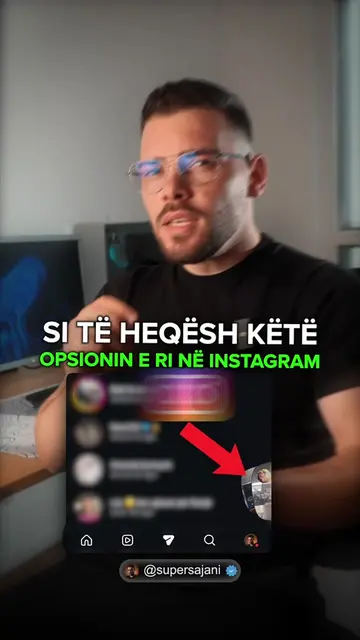
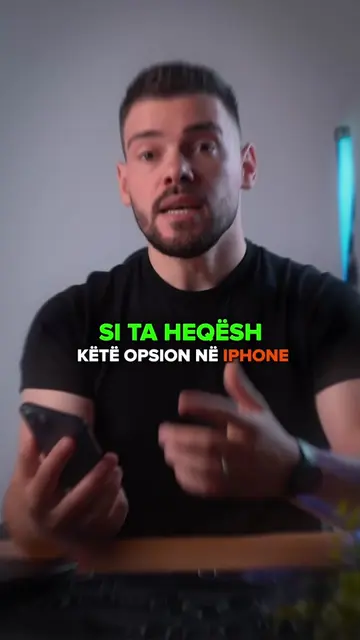
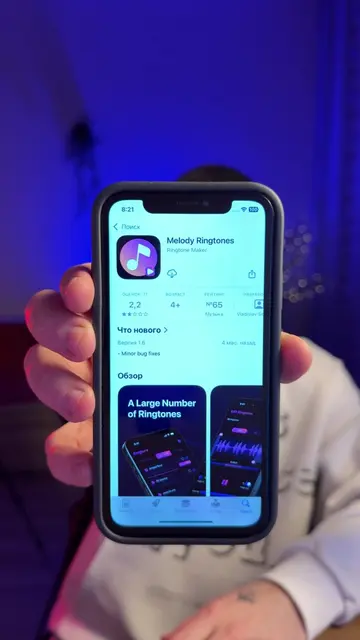
The creator demonstrates how to use the Melody Ringtones app to turn any TikTok or Instagram video audio into a custom iPhone ringtone. The video provides a step-by-step tutorial on importing the video, editing the clip, and setting it as the phone's ringtone.
Nderro zilen e iPhone direkt me kete aplikacion ✅️ #melodyringtones #ringtone #sajanitips #supersajani #anisaja
Nga kjo zile kalon te kjo direkt në iPhone.
Identify the problem of boring default ringtones
Show the process of downloading a video from social media
Demonstrate importing and editing the video in the app
Show the final step of setting the custom ringtone in iPhone settings
Call to action to save and share the video
The app Melody Ringtones is the central focus of the tutorial.
Bëje save këtë video ose dërgoja shokut që ka iPhone.
Promotes 7 products. Create free account to see more.
Outliers and viral hits: their videos on Overshot, all time.