Loading video…
Sound

original sound - startupcode.net
StartupCode · Original audio
0:00–:––
Playing this video’s own audio, so you’ll hear the creator over the sound.
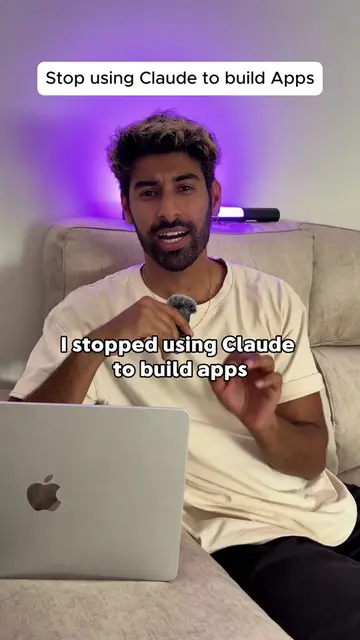
The video leverages a native mention of a specific AI tool (Claude) within a tutorial context, offering practical tips for improving its performance. The use of on-screen text and a clear, concise explanation makes the information easily digestible and shareable, appealing to a niche audience interested in AI development.
The video provides three tips for improving AI performance with Claude, specifically for coding tasks. The tips include using Opus 4.5 with thinking enabled, ensuring a good "quad MD" (likely referring to a specific setup or model), and enabling Claude to verify its own output, particularly through its Chrome extension.
Want Claude to code better? 3 tips: Use Opus, a good quad, and let it verify its own output! Chrome extension is clutch. #Claude #AIcoding #ProgrammingTips #AICode #CodeHelp
Claude's 3 tips for better AI performance
Introduction to Claude's 3 tips for better AI performance
Tip 1: Use Opus 4.5 with thinking enabled
Tip 2: Ensure a good "quad MD"
Tip 3: Use the Chrome extension to verify Claude's output
Conclusion on the benefits of self-verification
The video discusses and promotes the AI model 'Claude' and its associated Chrome extension, highlighting its use for coding and verification tasks. The creator's bio link points to 'StartupCode', which is presented as the product being promoted.
Playing this video’s own audio, so you’ll hear the creator over the sound.
AI assistant for people solving work and creative tasks
Views and creators: posted in the last 30 days (English videos). Videos: all time.
Promotes 2 products. Create free account to see more.
Outliers and viral hits: their videos on Overshot, all time.