Loading video…
All breakouts
22.6Talking HeadCuriosity Gap hookAI Tools
Hook
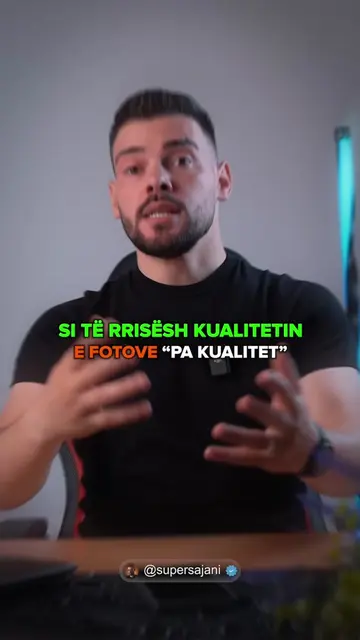
Sekrete të fshehta në Samsung që nuk i dije.
@super_sajani
131.2K followers · usually 39.7K views a post
Views
885.9K
Likes
16.7K
Comments
590
Shares
4.4K
Why it worked
The video provides high-value, actionable tips for a specific device, which encourages viewers to save the video and follow for more content.
Summary
The creator demonstrates a hidden gesture feature on Samsung phones for taking screenshots. He explains how to enable the 'Palm swipe to capture' setting in the phone's menu.
Structure
- 1Hook stating the video topic
- 2Demonstration of the screenshot gesture
- 3Step-by-step guide to enabling the feature
- 4Final call to action for part two
Call to action
Më bëj follow për pjesën e dytë.
On-screen text
SEKRETE TË FSHEHTA NË SAMSUNG
PJESA E PARË
KAQ E THJESHTË
ME BËJ FOLLOW PËR PJESËN E DYTË
Transcript
Sekrete të fshehta në Samsung që nuk i dije. Pjesa e parë. A po lodhesh duke bërë screenshot me këto dy butonat anësor? Okej, shiko këtë. Nëse e kalon dorën kështu në ekran, do të bëhet direkt screenshot. Nëse nuk të funksionon, atëherë me siguri do e kesh të fikur këtë opsion. Thjesht shko te Settings, shko poshtë te Advanced features, kliko Motion and gestures dhe aktivizo Palm swipe to capture. Kaq e thjeshtë. Më bëj follow për pjesën e dytë.
Original caption
Sekrete të fshehta në Samsung që nuk i dije, Pjesa e parë ✅️ #tiktoktips #samsung #samsungtips #supersajani #sajani
More from @super_sajani
More breakout videos from this creator.