Loading video…
Sound

original sound - smart.easy
Smart & Easy | Tech & AI · Original audio
0:00–:––
Playing this video’s own audio, so you’ll hear the creator over the sound.
Hook
Posted Mar 26, 2026Video · 0:55by @smart.easy
The video addresses a common pain point for WhatsApp users (blurry status updates) and offers a simple, actionable solution with a free app. The demonstration is clear and concise, making it easy for viewers to understand and replicate.
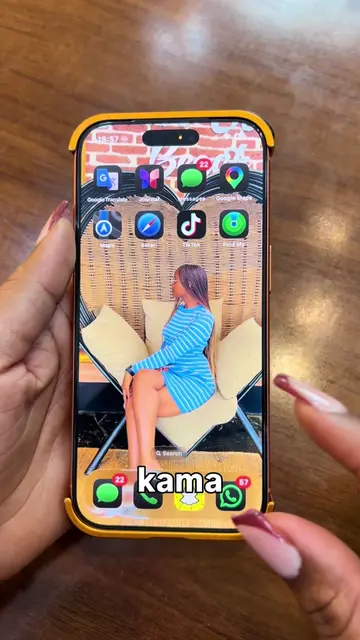
This video demonstrates how to use the PureStatus app to upload photos and videos to WhatsApp status without quality loss. It explains that WhatsApp compresses media and shows how the app compresses the media before uploading, preserving the original quality.
STOP posting blurry WhatsApp status ❌ WhatsApp compresses your photos and videos without telling you. Here’s how to keep the quality 🔥 Use this simple compress trick before uploading and your status stays clear. Try it and see the difference 👀 Comment "wow" if you want the app #TechTips #WhatsAppTip #VideoQuality #MobileTips #AppHack
Never ever post a WhatsApp status before doing this.
Introduce the problem of blurry WhatsApp status updates.
Show the PureStatus app and its function.
Demonstrate the app's usage step-by-step.
Show the final result of a high-quality status update.
Encourage viewers to comment 'wow' for the app.
WhatsApp (app): messaging and status updates. ACTS. Removing it would change the video. PureStatus: ByeBye Blur Status (app): compresses photos and videos for WhatsApp status updates. ACTS. Removing it would change the video.
Comment "wow" if you want the app
Playing this video’s own audio, so you’ll hear the creator over the sound.
Mobile app that prepares photos and videos for clearer WhatsApp status uploads
All time.
Promotes 7 products. Create free account to see more.
Outliers and viral hits: their videos on Overshot, all time.