Loading video…
Sound

original sound - thesocialcreativesclub
Emma┃Creative Edits · Original audio
0:00–:––
Playing this video’s own audio, so you’ll hear the creator over the sound.
Hook
Posted May 8, 2026Video · 0:39by @thesocialcreativesclub
The video provides high-value, actionable editing advice that solves a common pain point for solo creators, making the product demonstration feel like a helpful tutorial rather than a forced advertisement.
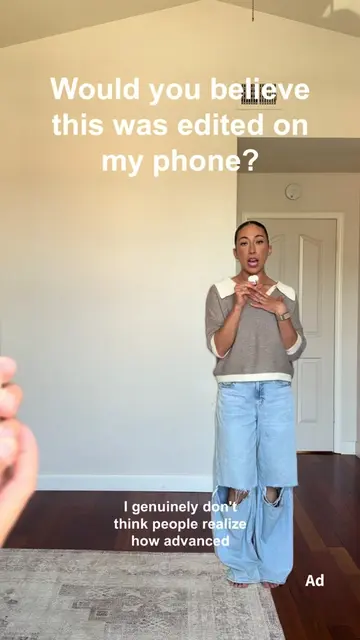
The creator demonstrates how to use keyframes in the CapCut mobile app to add cinematic movement to static video clips. She explains the step-by-step process of zooming in and out to create a dynamic effect.
Filming solo? Your videos don’t have to feel flat. This is one of the easiest ways to add movement without touching your camera, and it makes SUCH a difference! Try it in your next edit and watch your content instantly feel more cinematic 🎬 & follow @walmartcreators for more creator tips like this! #walmartcreator #walmartpartner #editing101 #creatortips #mobileediting
This is how you add movement to your videos without moving your camera.
Identify the problem of static solo filming
Introduce the keyframe solution
Show the CapCut interface demo
Explain the zoom-out technique
Call to action to follow the account
The video features a screen recording of the CapCut mobile app interface, showing the user how to apply keyframes.
Follow @walmartcreator for more helpful creator tips.
Playing this video’s own audio, so you’ll hear the creator over the sound.
Video editing app for creators making social media videos
Views and creators: posted in the last 30 days (English videos). Videos: all time.
Promotes 5 products. Create free account to see more.
Outliers and viral hits: their videos on Overshot, all time.