Loading video…
Sound

original sound - itsmodernmillie
Millie | Social Media Coach · Original audio
0:00–:––
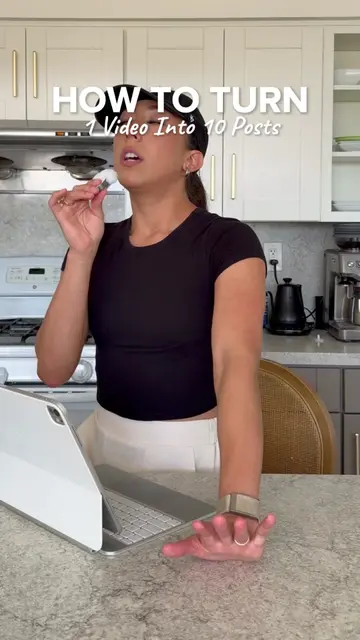
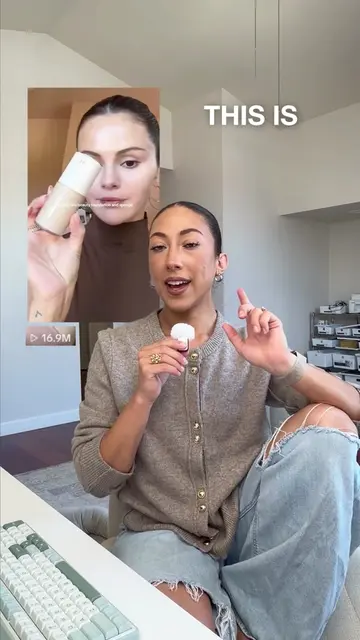
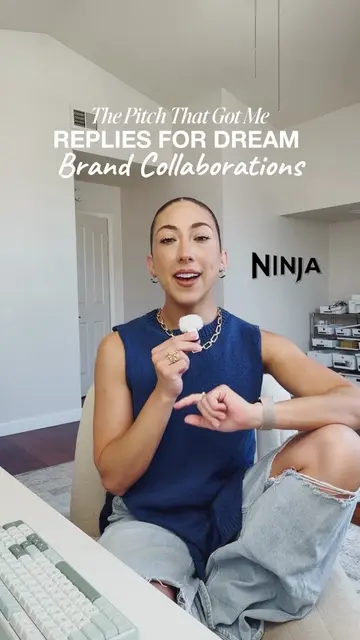
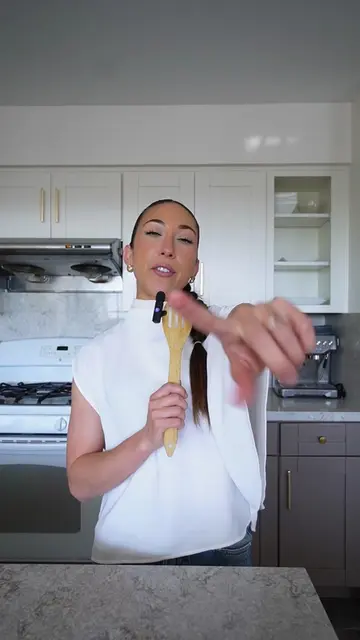
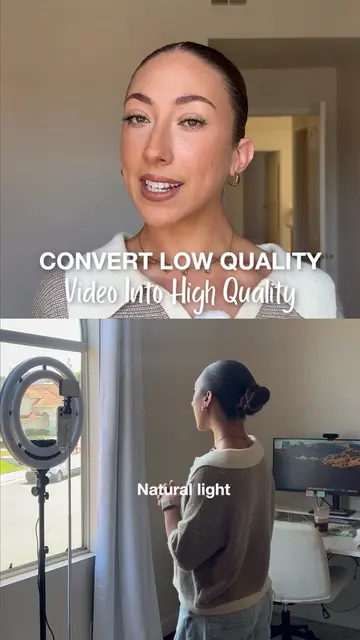
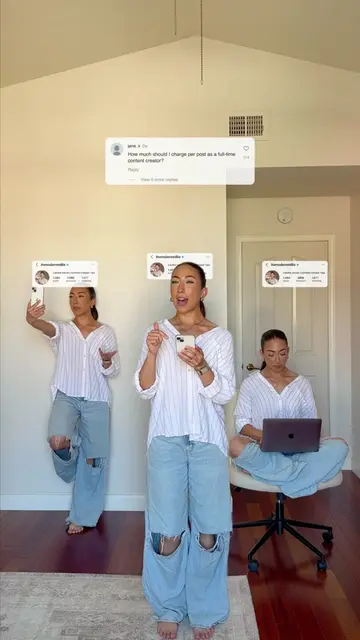
The video uses a relatable 'day-in-the-life' creator pain point to introduce a solution, making the promotion feel like a helpful tip rather than a hard sell.
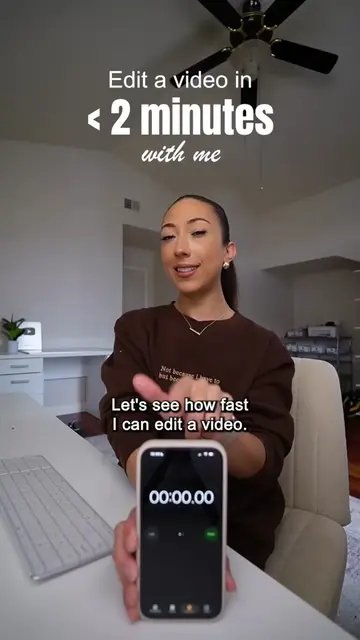
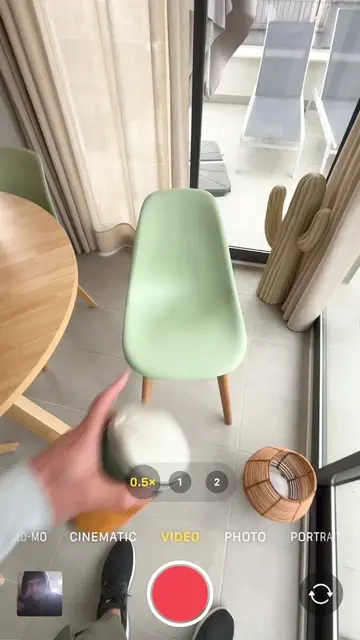
The creator demonstrates how she edits her content on the go using Adobe Premiere Mobile to maintain her creative flow. She walks through her editing process, including importing clips, trimming, audio enhancement, and adding dynamic elements.
Comment “Premiere” and I’ll send you the link 🧡 I filmed and edited this entire Reel on my phone 😳 Being able to edit while I’m still in creative mode instead of waiting until I’m back at my desk has made content creation feel so much easier lately. @Adobe #AdobePartner #PremiereMobile #CommunityxAdobe #AD
Would you believe this was edited on my phone?
Hook questioning the editing source
Problem statement about desktop editing
Introduction of the mobile solution
Step-by-step editing demonstration
Benefits of the mobile workflow
Call to action for the product link
Adobe Premiere Mobile is shown as the primary tool used for editing the video, with screen recordings of the app interface.
Comment 'PREMIERE' and I'll send you the link.
Promotes 2 products. Create free account to see more.
Outliers and viral hits: their videos on Overshot, all time.
AI creative software for designers and content creators
All time.