Loading video…
All breakouts
3.8Talking HeadHow-To hookAI Tools
Hook
AGENT CUSTOMIZATIONS IN VS CODE
@vscode
620.7K followers · usually 8.0K views a post
Views
35.5K
Likes
1.2K
Comments
12
Shares
29
Why it worked
The video effectively highlights an under-discussed but powerful feature ('hooks') within a popular developer tool (VS Code), appealing to developers looking to personalize and enhance their AI coding experience.
Summary
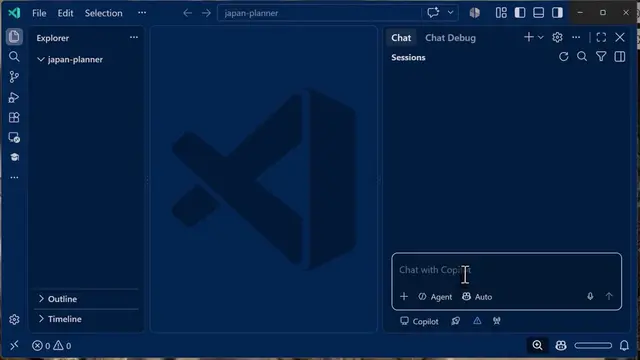
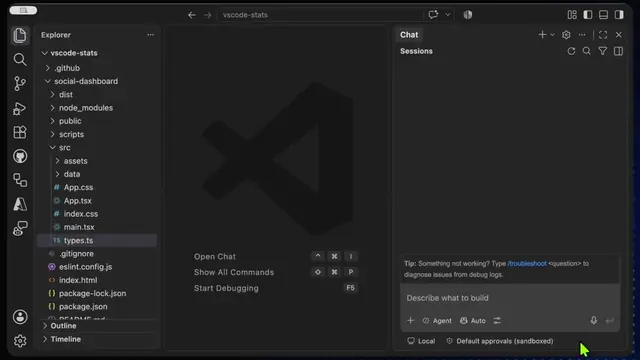
The video demonstrates agent customizations within VS Code, highlighting the use of 'hooks' to automate workflows, enforce security policies, and integrate with external tools. It suggests that these customizations make AI coding feel truly personalized.
Structure
- 1Introduction to VS Code agent customizations and hooks
- 2Demonstration of the 'Hooks' section in VS Code
- 3Explanation of what hooks enable (custom shell commands)
- 4
Original caption
VS Code Hooks might be one of the most underrated AI features right now 👀 Automatically run actions after edits, enforce rules, trigger workflows, and customize how your AI coding assistant behaves — all inside VS Code. This is where AI coding starts feeling truly personalized 🤯 #vscode #githubcopilot #ai #coding
More from @vscode
More breakout videos from this creator.