Loading video…
All breakouts
11.7App DemoOther hookAI Tools
Hook
New in VS Code
@vscode
620.7K followers · usually 8.0K views a post
Views
108.0K
Likes
4.8K
Comments
31
Shares
239
Why it worked
The video provides immediate, high-value utility to its target audience by demonstrating specific, requested features in a concise, visual format without unnecessary fluff.
Summary
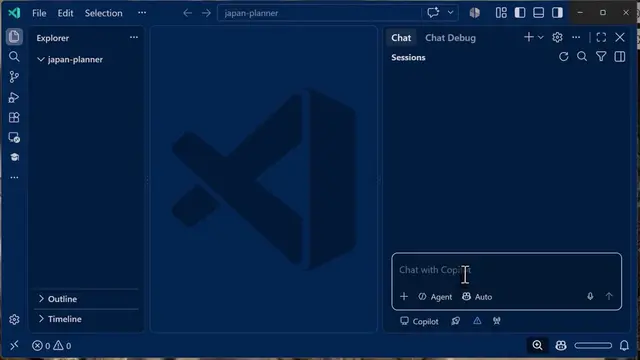
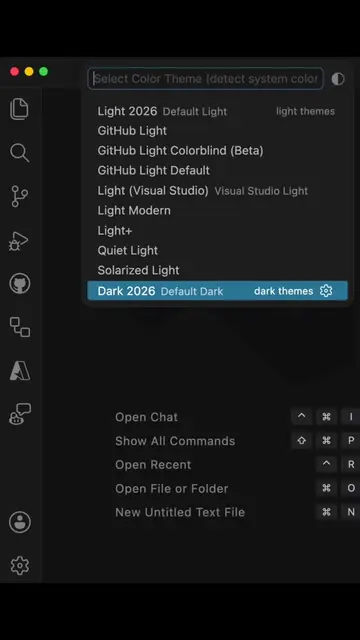
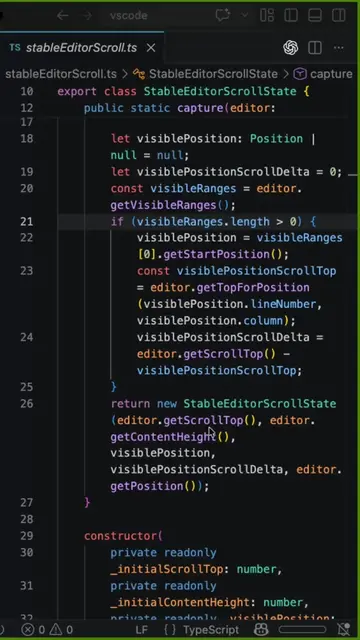
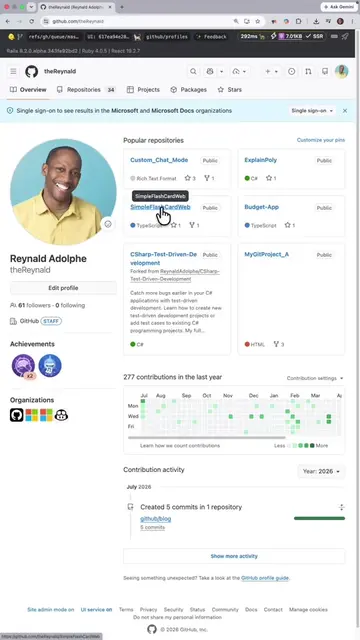
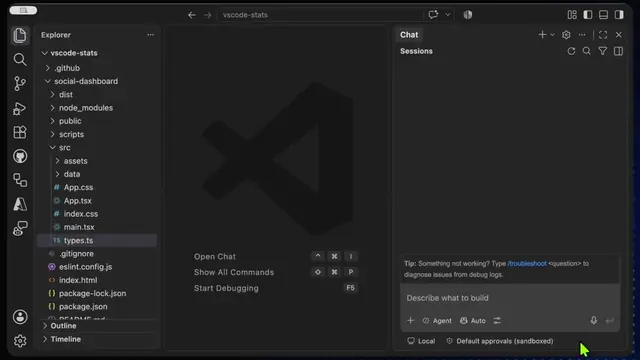
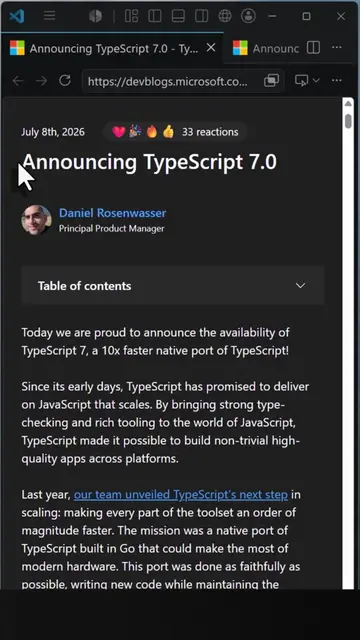
The video showcases new features in the VS Code editor, specifically Mermaid diagram rendering in Markdown and updates to the integrated browser. It demonstrates these capabilities through a quick screen recording of the software in action.
Structure
- 1Introduction of new features
- 2Demonstration of Mermaid diagrams in Markdown
- 3Demonstration of Integrated Browser updates
- 4
Original caption
🚀 The new #VSCode release adds Mermaid diagram rendering directly in the Markdown preview and HTML file previews in the Integrated Browser. 👀 Check out the new release: https://aka.ms/VSCode/121 #techtok #programming #code
More from @vscode
More breakout videos from this creator.