Loading video…
All breakouts
31.5Silent UGCOther hookAI Tools
Hook
Select Color Theme (detect system color)
@vscode
620.7K followers · usually 8.0K views a post
Views
291.7K
Likes
21.2K
Comments
321
Shares
990
Why it worked
The video leverages a relatable, visually satisfying 'aesthetic' trend within the developer community, making a mundane software setting feel like a satisfying transformation.
Summary
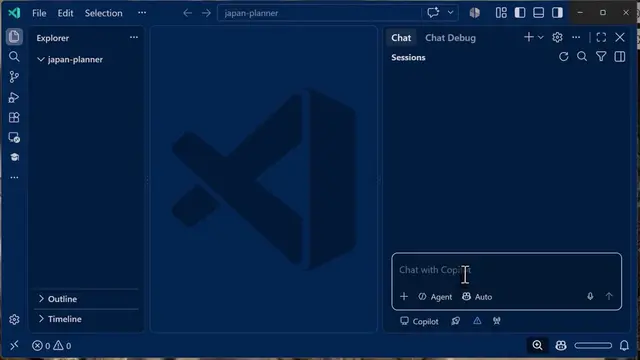
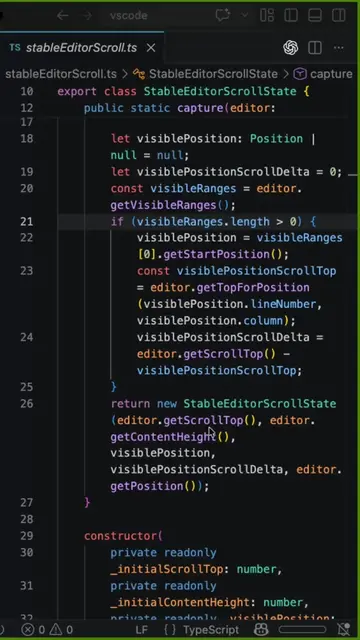
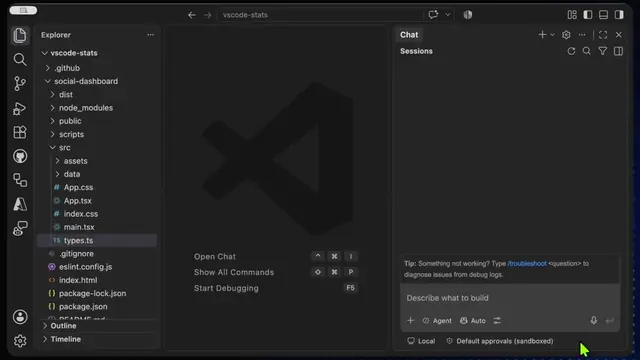
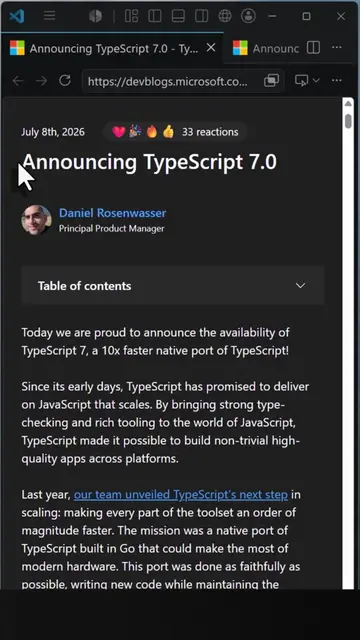
The video shows a quick screen recording of a user switching between various color themes in Visual Studio Code. It highlights the aesthetic customization options available within the code editor.
Structure
- 1Open theme selection menu
- 2Cycle through light themes
- 3Switch to dark theme
- 4
Original caption
There are 10 types of devs… which one are you? 👾 #vscode #devtok #developers
More from @vscode
More breakout videos from this creator.