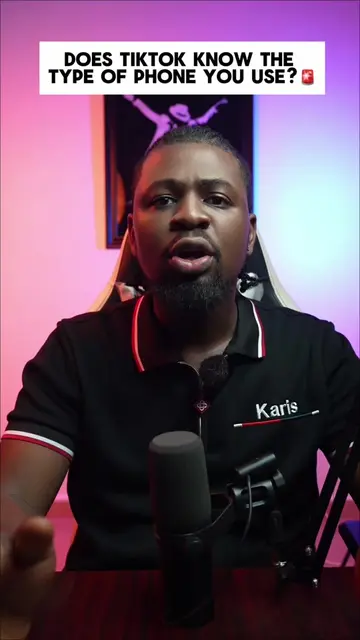
Loading video…
All breakouts
17.6Talking HeadWarning hookAI Tools
Hook
Before you post your next video on TikTok, you need to watch this video.
@brightchuksm
853.9K followers · usually 76.7K views a post
Views
1.1M
Likes
51.0K
Comments
1.3K
Shares
834
Why it worked
The video provides actionable, high-value platform-specific advice that directly addresses a common pain point for creators, making it highly shareable and saveable.
Summary
The creator explains how to use the TikTok 'Creator Search Insights' tool to find trending topics for content creation. He also shares a tip on enabling 'Allow high-quality uploads' in the TikTok settings to improve video performance.
Structure
- 1Identify the problem of low video views
- 2Introduce the Creator Search Insights tool
- 3Explain how to find trending topics
- 4Provide a technical tip for high-quality uploads
- 5Call to action
Call to action
Like and follow for more videos like this.
On-screen text
BEFORE YOU POST YOUR NEXT VIDEO ON TIKTOK
YOU NEED TO WATCH THIS VIDEO
Creator Search Insights
Click on this one
Allow high quality upload
LIKE AND FOLLOW FOR MORE VIDEOS LIKE THIS
Transcript
Before you post your next video on TikTok, you need to watch this video. The reason why your videos are not going viral on TikTok is because you're either posting the wrong videos or you're posting the wrong way. Here is exactly what you need to do for your videos to go viral. Go to the TikTok search bar and search for creator search insights. Click on this one and you will see all the trending topics that people are searching for. Just make videos about them and that's it. Now, while uploading your video, click on more options and turn on allow high quality upload and you'll notice that your video will perform better. Like and follow for more videos like this.
Original caption
Here's how to use creator search insights #creatorsearchinsights #iphonetricks #iphone #ios18 #apple
More from @brightchuksm
More breakout videos from this creator.