Loading video…
All breakouts
42.4Talking HeadSocial Proof hookAI Tools
Hook
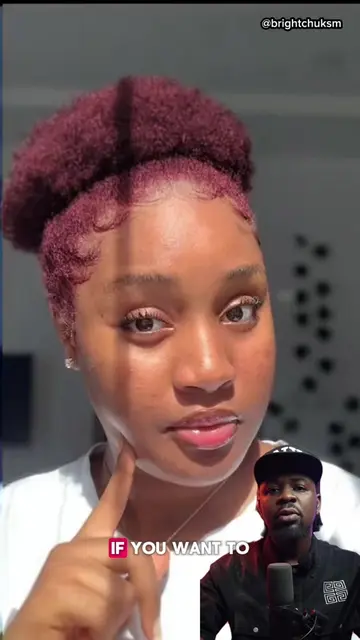
These kind of videos are blowing up on TikTok right now
@brightchuksm
853.9K followers · usually 76.7K views a post
Views
2.8M
Likes
61.1K
Comments
547
Shares
3.8K
Why it worked
The video provides immediate value by teaching a popular, high-engagement trend, making it highly shareable for users who want to replicate the viral effect.
Summary
The creator explains how to use a specific viral effect within the TikTok app to make photos appear as if they are flying. He provides a step-by-step tutorial on searching for and applying the effect to user-uploaded images.
Structure
- 1Identify the viral trend
- 2Explain the goal of the tutorial
- 3Step-by-step search instructions
- 4Demonstrate applying the effect
- 5Call to action for engagement
Call to action
Go and try it out and let me know in the comments if it works for you. Like this video and follow me for more videos like this.
On-screen text
THESE KIND OF VIDEOS
ARE BLOWING UP ON
TIKTOK RIGHT NOW
AND MANY PEOPLE ARE
USING IT TO GO VIRAL
LET ME SHOW YOU
HOW YOU CAN CREATE
IT IN SECONDS
USING TIKTOK
THE TIKTOK SEARCH
BAR
FLYING AI VIRAL EFFECTS
CLICK ON THIS ONE
THEN CLICK ON
USE THIS EFFECT
SELECT THE PICTURE YOU
WANT TO USE
AND IN SECONDS YOUR
VIDEO IS READY
GO AND TRY IT OUT
AND LET ME KNOW
IN THE COMMENTS IF
IT WORKS FOR YOU
LIKE THIS VIDEO AND
FOLLOW ME
Original caption
How to make your photos fly with the flying Ai viral effect #ai #techtok #artificialintelligence #brightchuksm #fyp
More from @brightchuksm
More breakout videos from this creator.