Loading video…
All breakouts
53.9Talking HeadBefore / After hookAI Tools
Hook
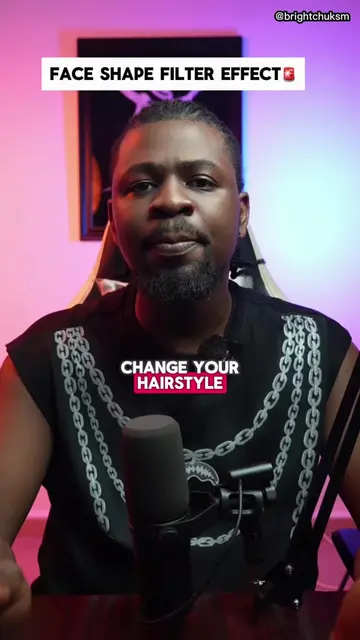
If you want to take your pictures from this to this, let me show you how to do it in seconds using TikTok.
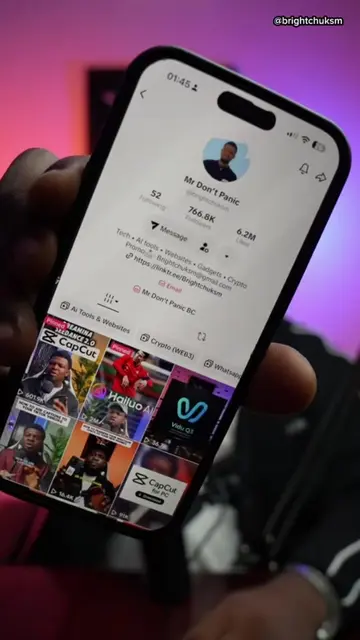
@brightchuksm
853.9K followers · usually 76.7K views a post
Views
3.7M
Likes
69.8K
Comments
549
Shares
4.6K
Why it worked
The video provides immediate value by teaching a popular, high-engagement visual trick that users can replicate instantly within the platform.
Summary
The creator demonstrates how to use a specific trending filter on TikTok to create a before-and-after photo comparison. He provides a step-by-step guide on how to find and apply the effect within the app.
Structure
- 1State the transformation goal
- 2Search for the effect in TikTok
- 3Select and apply the effect
- 4Show the final result
- 5Call to action to follow
Call to action
follow for more videos like this
On-screen text
IF YOU WANT TO TAKE YOUR PICTURES FROM THIS TO THIS
HOW TO DO IT IN SECONDS USING TIKTOK
GO TO THE TIKTOK SEARCH BAR AND SEARCH FOR COMPARISON EFFECT
CLICK ON THIS ONE
THEN CLICK ON USE THIS EFFECT
SELECT THE PICTURE YOU WANT TO USE
AND IN SECONDS YOUR PICTURES WILL GO FROM THIS TO THIS
GO AND TRY THIS OUT
AND FOLLOW FOR MORE VIDEOS LIKE THIS
Original caption
How to Use the comparison effect to post your picture on TikTok #foryoupage #effect #trendingeffect #filter #techtok
More from @brightchuksm
More breakout videos from this creator.