Hook

Their other posts in the index, biggest breakout first.
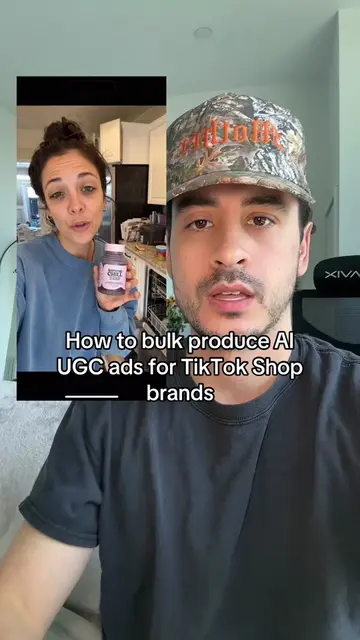
How To Make Ultra Realistic AI UGC Video Ads Using Seedance 2.0. This is step by step how to make AI UGC video ads like this one using Seedance 2.0. This is gonna be my biggest sauce drop probably ever. So get your pen and paper out and write these steps down. You don't wanna forget them. Number one comment I always get on these videos is why not use Kling 3.0. You can use Kling if you want to, Seedance is just cheaper, that's the only reason why I use it. Anyway, step one is to create an image of your AI UGC actor you're gonna use in your video. I use Chat GPT Image 2.0 for this. I think it makes the most realistic AI UGC actors. To create the most realistic looking actor, I use a custom Claude skill that I trained on hundreds of screenshots of UGC creators from TikTok. If you want that, just DM me on Instagram @ericdoesecom and I'll send you the file. But if you don't wanna do all that, just make sure that your prompt says it was shot on an iPhone 15 Pro, make sure that it adds flaws to both your character and the scenery so it doesn't look too perfect, and don't use words like photorealism in your prompt. Next, you wanna take your script and for each scene ask Claude to generate a description of what the first frame of that scene might look like in a video. Then take your scene description along with your picture of your AI actor from Chat GPT and ask Chat GPT to generate a new image of that actor within that scene description. If that scene requires your product, this is also where you would attach an image of your product as well. Now that you have your starting frame images, go to Seedance and generate each scene step by step using those starting frame images to keep character consistency. If your actor is supposed to be talking in a given scene, make sure you include the dialogue in your prompt. To make your actor's voice consistent across all the video generations, put the whole thing into elevenlabs and use the video to voice feature to lip sync an entirely new voice onto the entire script. If there are parts of the script that are narrated but not shown on the actual video, use the text to voice feature with the same voice that you use for the video to voice feature to generate those audio clips. Then you put it all together in CapCut, add some auto generated captions as well as some real life B roll if you wanna make it look more realistic, and you're good to go.