Loading video…
Sound

original sound - princesseguide
👑Princesse |TikTok Strategist · Original audio
0:00–:––
Playing this video’s own audio, so you’ll hear the creator over the sound.
Hook
Posted May 28, 2026Video · 1:22by @princesseguide
We didn’t find a product being promoted in this video. Its hook, format and structure below still show why it took off.
Browse products winning on TikTokThe video provides a clear, step-by-step tutorial on a specific, actionable setting within TikTok that directly addresses a common creator goal: securing brand deals. This practical advice, combined with the visual demonstration, makes it highly valuable and shareable for aspiring influencers.
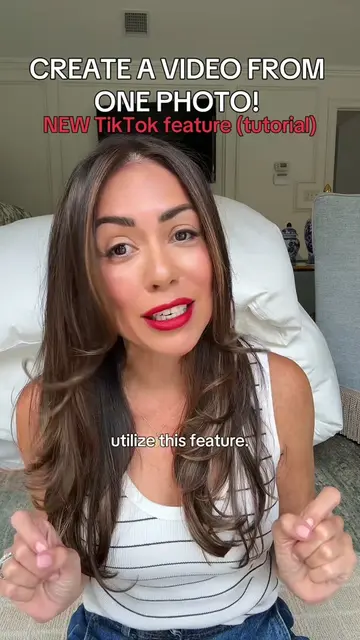
This video explains how to enable a specific TikTok setting to attract brand deals. The creator guides viewers through the process of uploading a video, navigating to the "Content disclosures and ads" section, enabling "Ad authorization," and selecting a 365-day period before authorizing. The creator emphasizes that this setting is for branded content and encourages viewers to also focus on creating valuable and entertaining content.
It’s #CommunityFest2026 ok dropping all the gems to my community. This is one of them. Join my LIVE stream today 9am EST to learn more about this setting that can help you land #BrandDeals #PrincesseGuide
This TikTok Setting Should Start Bringing You In Brand Deals
Introduction to the setting for brand deals
Navigating to the upload screen
Selecting the video and proceeding to the description page
Accessing "Content disclosures and ads"
Enabling "Ad authorization" and selecting the duration
Finalizing the authorization for branded content
TikTok's built-in ad authorization setting
Make sure these settings are turned on before we do anything else.
Playing this video’s own audio, so you’ll hear the creator over the sound.
Promotes 1 product. Create free account to see more.
Outliers and viral hits: their videos on Overshot, all time.