Loading video…
All breakouts Locked — upgrade to Pro to open.Open on TikTokPro
No preview available · watch on TikTok below
1.8Creator Economy
Post
Post by @the.stylish.wordsmith
@the.stylish.wordsmith
1.9K followers · usually 1.4K views a post
Views
2.4K
Likes
52
Comments
3
Shares
1
We’re still analyzing this post.
Original caption
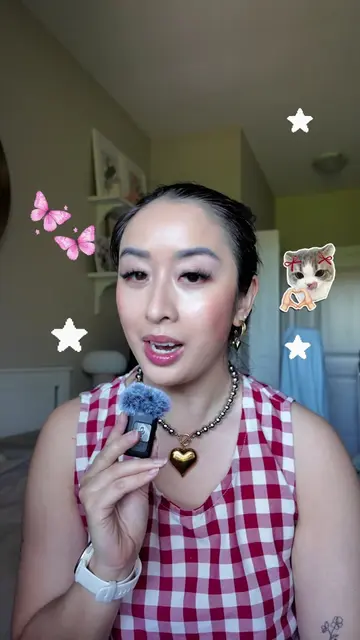
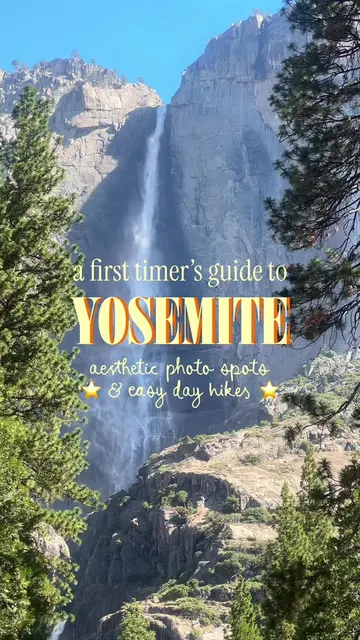
Try this easy tutorial for animated collage carousels! 🧚♂️✂️⭐️ 💾 First, SAVE this post for later! Want to create these trendy carousel posts for extra cute travel guides or weekly recaps? Today’s tutorial will walk you through each step of the process! 🙂↕️ ✂️ First, create your carousel collages. I started off with the @17v28.app to create a horizontal collage carousel (select the 4:3 ratio size, and add your desired layout.). ✂️ Add either photos or videos into the collage layouts. ✂️ Export your project and upload it to a platform, such as @Adobe Express that allows you to animate objects! ✂️ Add in the objects you want to feature, select “remove background”, and try the “loop” animations. ✂️ Finish off your designs with text and other whimsical design elements (which you can also animate)! P.S. You can totally make these as collage videos (instead of Carousels) in platforms such as CapCut too. 💬 Did you find this tutorial helpful? Let me know! P.S. If you enjoyed this tutorial, I’ll be launching a digital social media editing course very soon — stay tuned!! 🎉 — editing tutorial, reel edits, creative edits, animated carousels, animated reels, social media agency owner, adobe express ambassador, photo editing tips, digital scrapbook, digital scrapbooking, editing tips, how I edit, Pinterest aesthetic, canva edits, capcut edits #horizontalreels #howiedit #editingtips #digitalscrapbooking #stopmotionanimation
More from @the.stylish.wordsmith
More breakout videos from this creator.