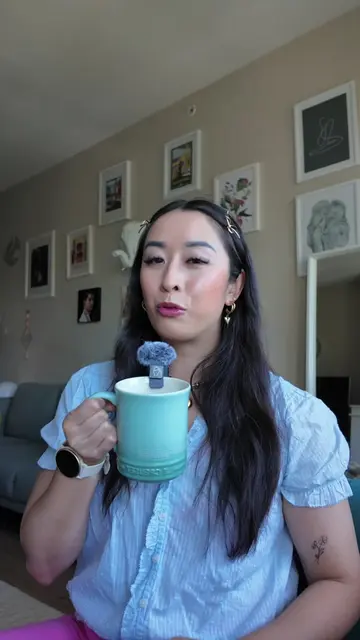
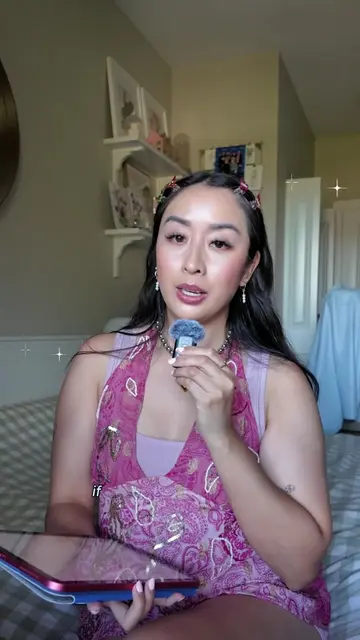
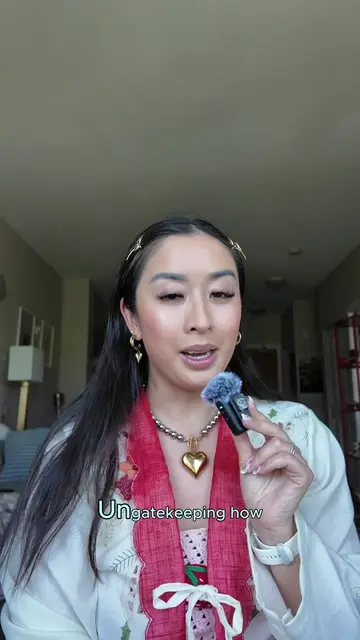
Loading video…
All breakouts Locked — upgrade to Pro to open.Open on TikTokPro
No preview available · watch on TikTok below
2.5Creator Economy
Post
Post by @the.stylish.wordsmith
@the.stylish.wordsmith
1.9K followers · usually 1.4K views a post
Views
3.3K
Likes
124
Comments
4
Shares
6
We’re still analyzing this post.
Original caption
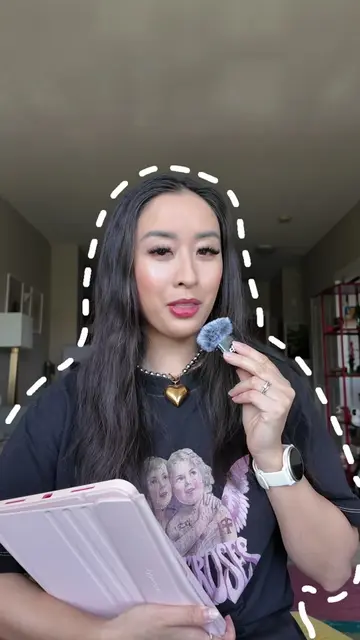
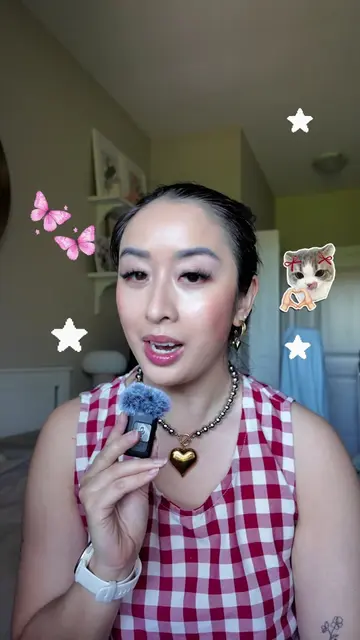
Try this easy tutorial for whimsical cool girl aesthetic backgrounds! 🧚♂️✂️⭐️ 💾 First, SAVE this post for later (and check out my NEW editing course below)! Wondering where to download and how to add these fun backgrounds into your social media videos? Today’s tutorial will walk you through each step of the process! 🙂↕️ 💘 First, pull up Pinterest and use prompts like these to search up aesthetics to suit your vibe: 🎀 coquette background 📱digicore background ✂️scrapbook background 🧚♂️ whimsical background 💘 Download your top choices and add them into your media library of your chosen editing platform. (Here I’m using CapCut to edit this very video!) 💘 Add in your talking head footage and then cut it as you normally would. 💘 Then “extract audio” of those talking clips. 💘 Next, add in your chosen background and extend the image for as long as you like. 🎊 BONUS TIP: I like adding in a transition effect and appropriate sound effects when adding the background. 💘 Then you’re going to set the talking clips as an “Overlay” and use the “Remove Background” tool. Want to upgrade your editing skills? 👀 💬 Comment “TSW” to get a 50% special offer on my brand new Editing 101 course! 🎊📚 — editing tutorial, reel edits, creative edits, animated carousels, animated reels, social media agency owner, adobe express ambassador, photo editing tips, digital scrapbook, digital scrapbooking, editing tips, how I edit, Pinterest aesthetic, canva edits, capcut edits #howiedit #editingtips #digitalscrapbooking #whimsicalaesthetic #pinterestgirl
More from @the.stylish.wordsmith
More breakout videos from this creator.