Loading video…
Sound

original sound - rourke.heath
Rourke Heath · Original audio
0:00–:––
Playing this video’s own audio, so you’ll hear the creator over the sound.
Hook
Posted Jun 4, 2026Video · 0:50by @rourke.heath
The video provides immediate, high-impact visual proof of the tool's capabilities, making the value proposition clear and exciting for video editors.
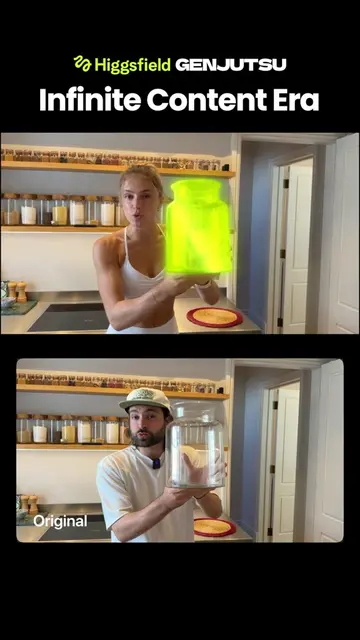
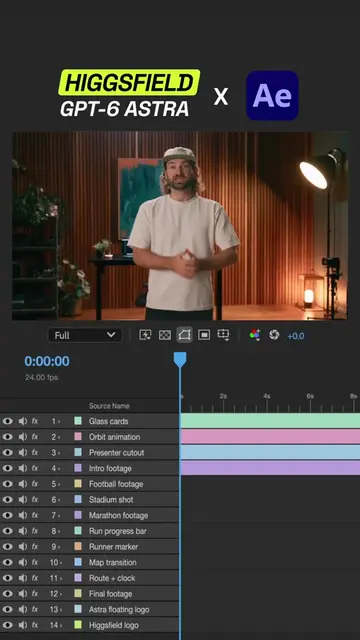
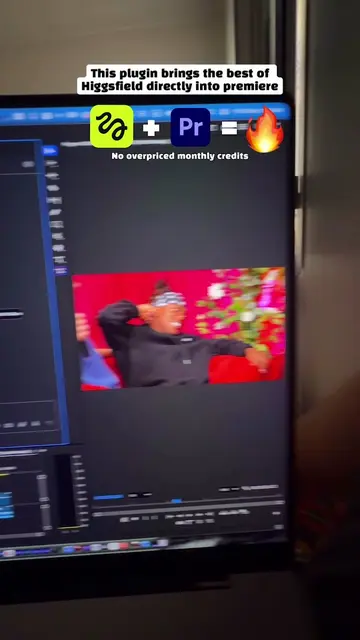
The creator demonstrates how to use the Higgsfield AI plugin for Adobe Premiere Pro and After Effects to replace or modify objects in video footage. He showcases several examples of AI-generated edits and provides instructions on how to download the plugin.
Replace anything in your footage with AI 🔥😳 Tool - Higgsfield.ai The Higgsfield plugin for Adobe Premiere Pro and After Effects lets you draw around objects in your footage and swap them out entirely using AI. From adding floating text to changing physical objects and creating impossible shots, it gives creators full creative control over their real-world video. It installs for free directly through the Higgsfield plugin section. #HigsfieldAI #AdobePremierePro #AIVideoEditing #CreativeAI #GenerativeAI
Today we're in Santa Monica Pier in Los Angeles, and you can now use this AI tool to replace anything you want about your reality.
Introduction to the location and the AI tool's capability
Demonstration of removing objects from a scene
Demonstration of adding visual effects
Demonstration of modifying text and objects
Instructions on how to download and install the plugin
Call to action for the link
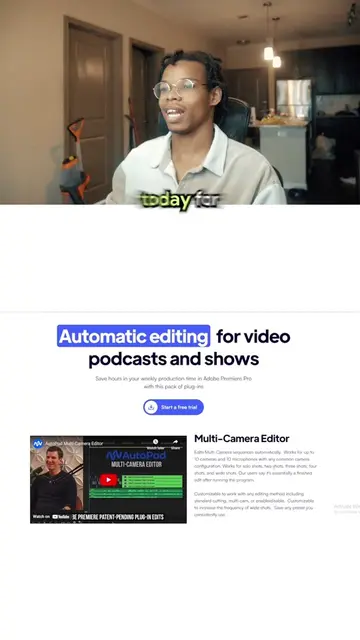
The Higgsfield AI plugin is the primary subject of the video, shown in use within Adobe Premiere Pro and on the Higgsfield website.
If you want the link, type AI in the comments and I'll send you the link.
Playing this video’s own audio, so you’ll hear the creator over the sound.
Promotes 8 products. Create free account to see more.
Outliers and viral hits: their videos on Overshot, all time.
AI creative suite for generating and editing images, videos, and voice content
Views and creators: posted in the last 30 days (English videos). Videos: all time.