Loading video…
Sound

original sound - aisavvy
Victor C · Original audio
0:00–:––
Playing this video’s own audio, so you’ll hear the creator over the sound.
Hook
Posted Jun 5, 2026Video · 0:47by @aisavvy
The video effectively showcases a novel AI video editing tool with a clear demonstration and a soft sell approach, making it appealing to creators looking for innovative ways to produce content.
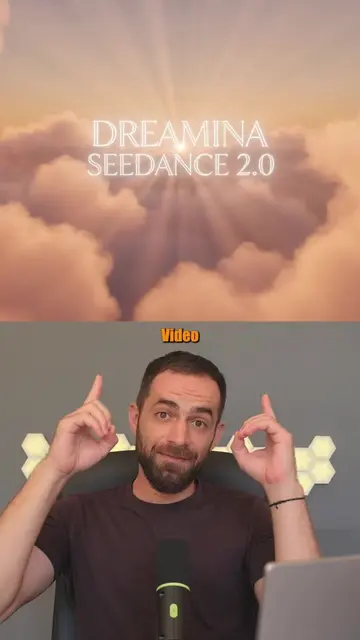
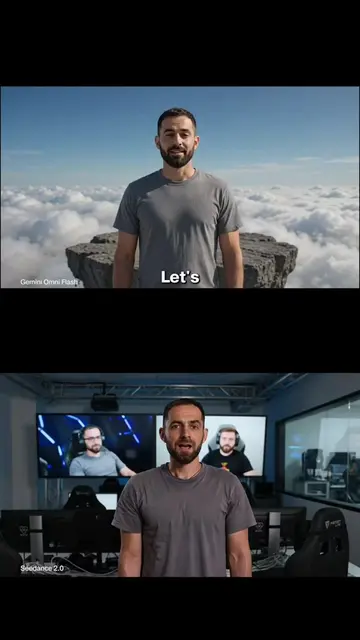
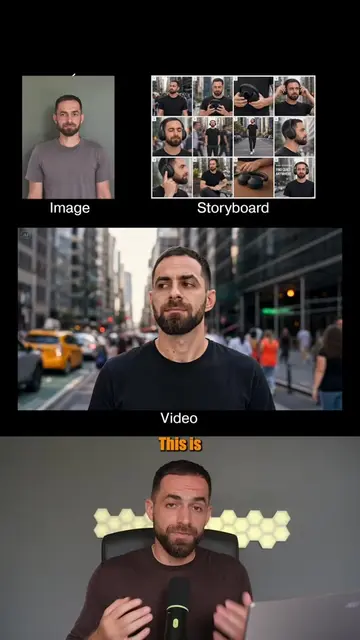
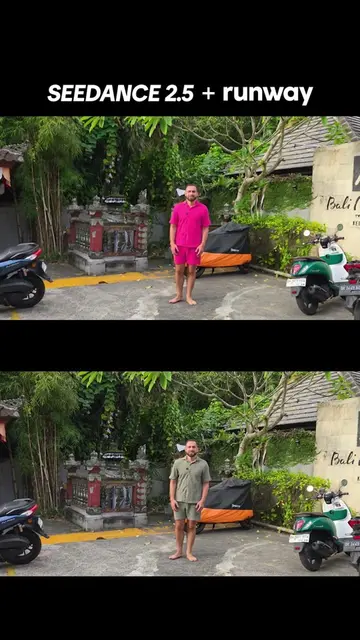
This video demonstrates how to use Dreamina Seedance 2.0 to edit videos using text prompts. It explains the process of uploading various media types and selecting settings to generate custom video content.
Seedance 2.0 Video Editing is Wild! #seedance2 #seedance #aivideoediting #aivideoeditor #ai
So you can now edit any video with just text instructions
Introduction to text-based video editing
Navigating to Dreamina and selecting AI video
Using the Omni reference mode with multiple uploads
Setting aspect ratio, resolution, and prompt
Generating and previewing the AI-generated video
Discussing human character generation availability
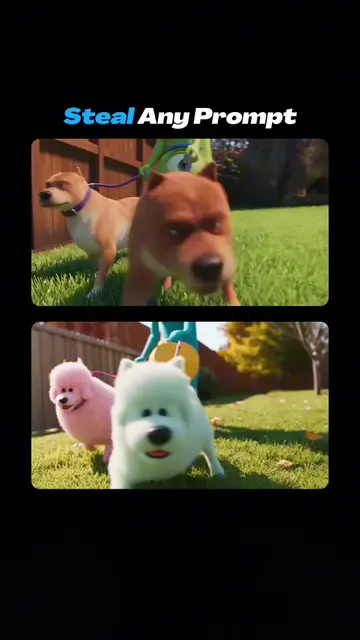
The video shows a screen recording of the Dreamina Seedance interface, highlighting its features for AI video generation and editing.
So give it a try and let me know what you think.
Playing this video’s own audio, so you’ll hear the creator over the sound.
AI image and video creation tool for creators, brands, and marketers
Views and creators: posted in the last 30 days (all languages). Videos: all time.
Promotes 9 products. Create free account to see more.
Outliers and viral hits: their videos on Overshot, all time.