Hook

Their other posts in the index, biggest breakout first.
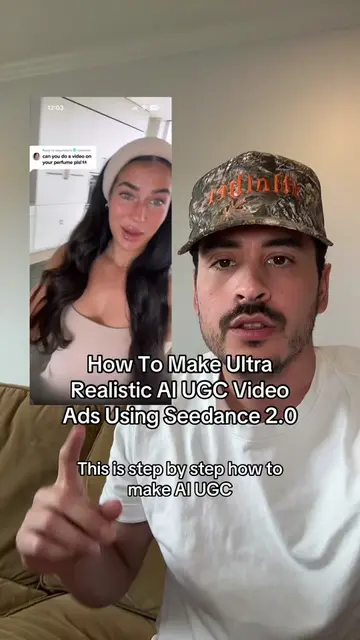
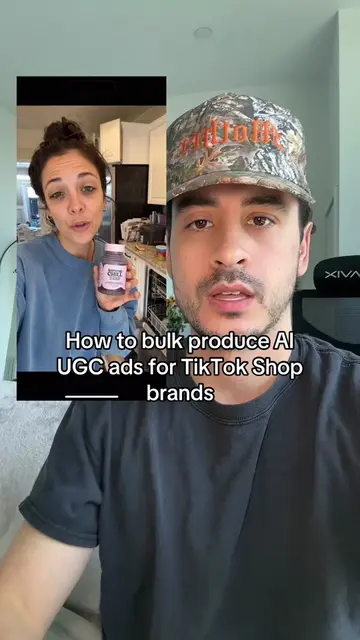
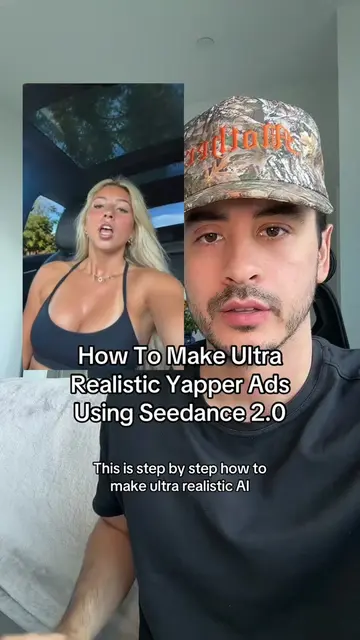
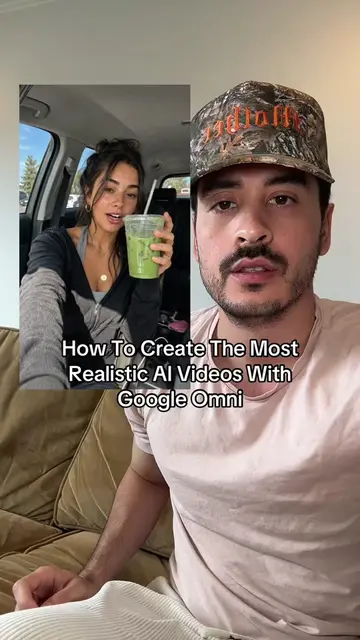
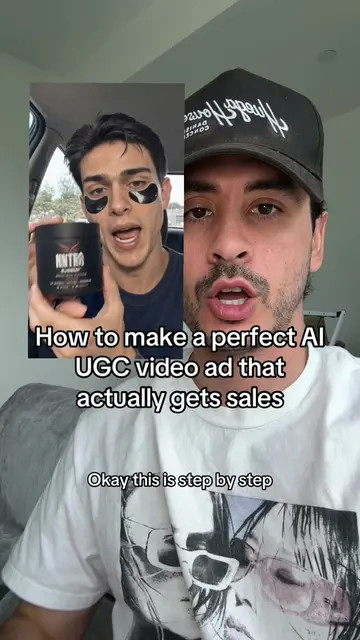
This is step by step how to make AI UGC ads like this one using Kling 3.0. This is gonna be one of my biggest sauce drops probably ever. So get your pen and paper out and write these steps down. You don't wanna forget them. The only reason we're using Kling is because it's the cheapest video model out there that still gives you a super realistic output. You're welcome to use Seedance if you want, it's just more expensive. Anyway, step one is to create an image of the AI actor you're gonna be using in your UGC Video. I use Chat GPT Image 2.0 for this. I think Chat GPT is making the most realistic AI images right now, but you're welcome to use Nano Banana if you want to. To make the most realistic images of AI UGC creators, I use a custom Claude skill that I trained on screenshots of hundreds of actual real TikTok creators. If you want this, just DM me on Instagram @ericdoescom and I can send you the skill file, it's super easy. But if you don't wanna do all that, just make sure at a minimum that your prompt says shot on iPhone 15 Pro and add flaws to both the character and the scenery to make sure that it looks more realistic. Next, you wanna take your script for your ad and put it into Claude and ask it to break it down scene by scene and create a description for what the first frame of each scene might look like. Then take those first frame descriptions along with the image of your AI actor and generate an image for your actor in the first frame of every single scene. Now you can take your first frame image, your script, and your scene description and generate each scene step by step in Kling. By the way, if your ad is just talking actor like this video is for example, just upload the same image for the first frame and the last frame in Kling to make sure that the camera doesn't move at all during the scene. To make sure that the voice for your actor is consistent across all video generations, you can use Higgsfield, or just plug your entire completed video into ElevenLabs video to voice feature and then lip sync an entire new voice onto the video. After that, just put all the clips into CapCut and add some real life B roll if you have it, and you're good to go.