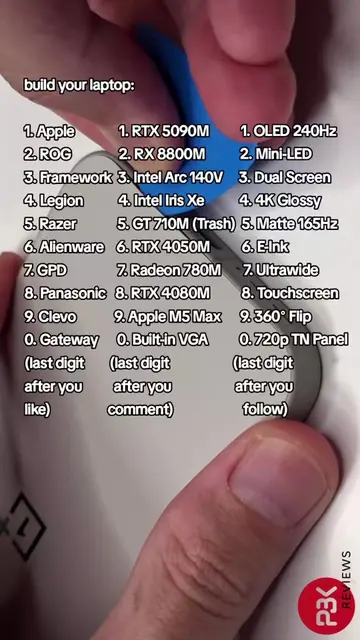
Loading video…
All breakouts
81.7Silent UGCHow-To hookConsumer Apps
Hook
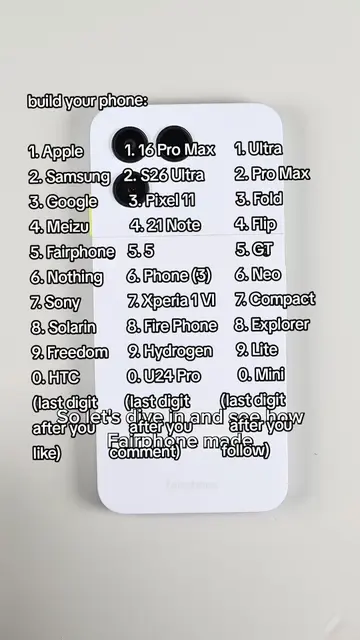
build your phone
@home_of_tech
9.0K followers · usually 2.5K views a post
Views
155.6K
Likes
6.2K
Comments
2.3K
Shares
156
Why it worked
The video leverages a popular interactive format where viewers can customize a product by commenting with numbers derived from their engagement, creating a sense of participation and personalization.
Summary
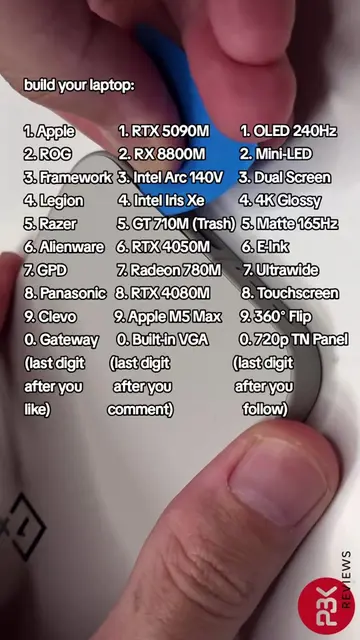
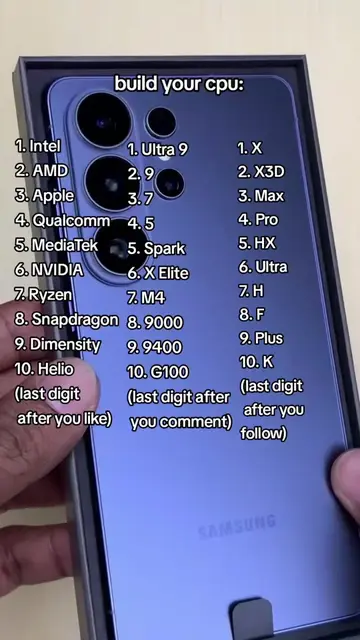
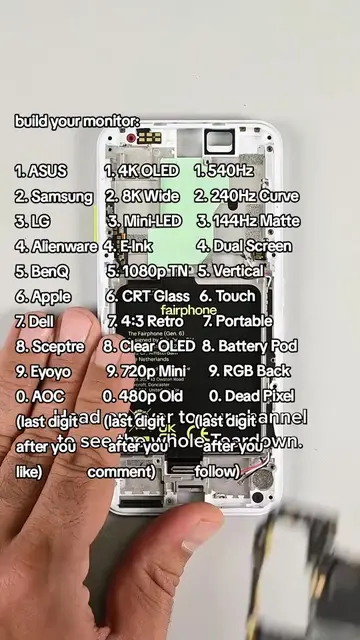
The video shows a person disassembling a smartphone, presenting lists of components like processors and displays. The viewer is prompted to comment with numbers based on the last digit of their like count to "build their phone."
Structure
- 1Introduction and component lists
- 2Disassembling the phone's rear panel
- 3Removing the battery
- 4Accessing the motherboard and cameras
- 5Removing the display
On-screen text
build your phone
1. iPhone
2. Nothing
3. Samsung
4. OnePlus
5. Google
6. CMF
7. Xiaomi
8. Oppo
9. Vivo
0. Nokia
(last digit after you like)
1. Snapdragon 8
2. Elite Gen 5
3. Apple A18 Pro
4. Dimensity 9500
5. Exynos 2600
6. Tensor G5
7. Snapdragon 7s Gen 2
8. Apple A17 Pro
9. Dimensity 8300
0. Exynos 1480
Snapdragon 8 Gen 3
(last digit after you comment)
1. OLED 120Hz
2. AMOLED 144Hz
3. LCD 90Hz
4. OLED 165Hz
5. IPS 120Hz
6. AMOLED 120Hz
7. LCD 60Hz
8. OLED 90Hz
9. LTPO 120Hz
0. LCD 120Hz
(last digit after you follow)
(last digit after you comment)
but after a couple and a bracket, the cable is disconn and we're in.
and the rear panel lifts up.
as Gen 3 metal mid-frame.
we've got a clear view after.
Either the battery will be right out, I'll be pulling
until the plastic tear
this battery still in place.
replace the charging board
we've hoped pixels
add for a long time.
After pulling the obv
screws the board is
still firmly in place, so you follow
on to the cameras.
Gen 3's the line up.
and for the first time
a non-pro, Pixel, a 10.8 MP
telephoto with 5X
zoom.
finding the main board
one tiny
and with that unplug
board is free.
Now all that's left
display.
and since the strong
work like they
Original caption
build your phone #s26 #iphone #samsung #nothingphone
More from @home_of_tech
More breakout videos from this creator.