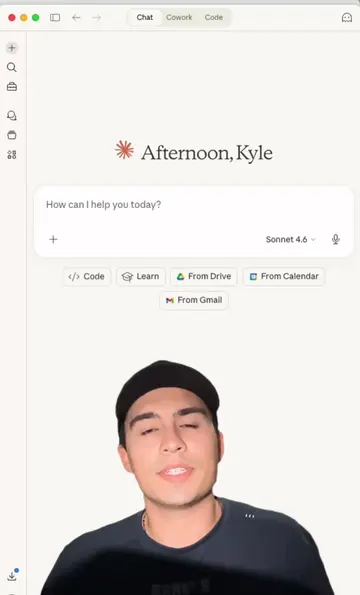
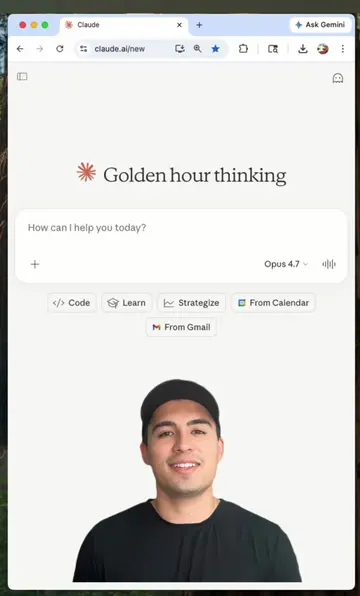
Loading video…
All breakouts

Locked — included with Pro.Open on TikTokPro
Pro links straight through to the original post.
3.3App Demo
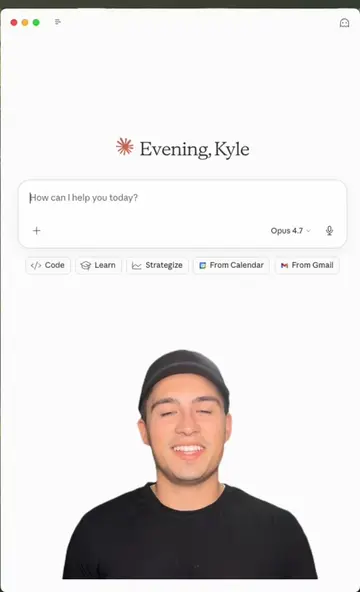
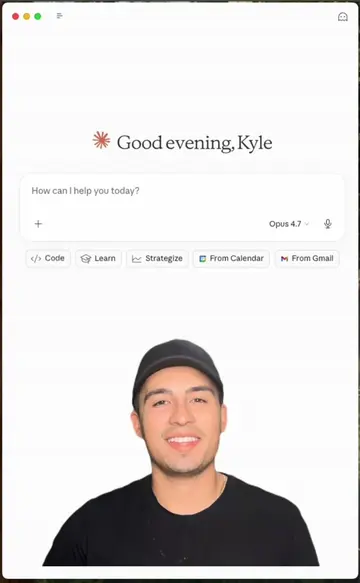
Hook
Evening, Kyle
@kyle.meets.ai
15.9K followers · usually 2.6K views a post
Views
8.4K
Likes
112
Comments
42
Shares
14
Pro adds view velocity to this page — whether the video is still climbing or has already peaked.
See ProWhy it worked
The video effectively showcases a practical and time-saving workflow by integrating an AI tool (Claude) with a popular design platform (Canva). The clear demonstration of generating professional-looking social media content with minimal effort appeals to creators looking for efficiency and ease of use.
Summary
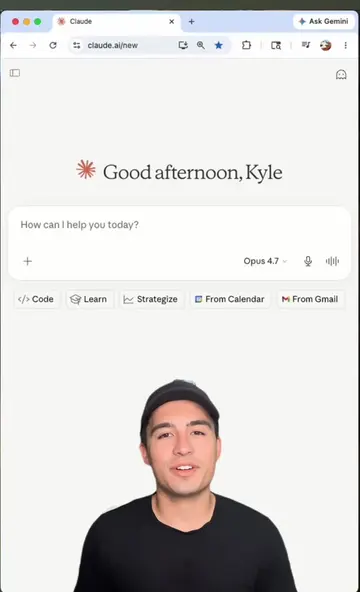
The video demonstrates how to use the AI assistant Claude to generate a multi-slide carousel design within Canva. The user prompts Claude with a topic, and Claude creates the headlines, layouts, and copy for each slide, which can then be easily edited and posted on social media.
ProLocked — included with Pro
Transcript, structure and on-screen text
5 beats, a 322-word transcript and 37 lines of on-screen text — the parts you need to write your own version.
The hook, the summary, why it worked and what it sells stay open on every video, signed in or not.
Original caption
Design your own carousel in 60 seconds or less 🤯 Comment "DESIGN" for the prompt to make your own👇 I gave Claude my topic and it built a full multi-slide carousel right inside Canva, headline, layout, and copy all done for me. Take this one step further by asking it to match your brand colors and fonts so every post stays consistent. For free prompts and additional AI support, check out the link in my bio 🎁. #ai #aimadeeasy #canva @claude #design@canva #instagram #linkedin
More from @kyle.meets.ai
Their other posts in the index, biggest breakout first.