Loading video…
All breakouts

11.6App DemoHow-To hook
Hook
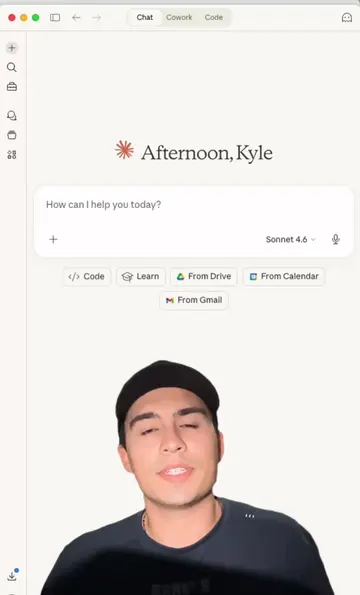
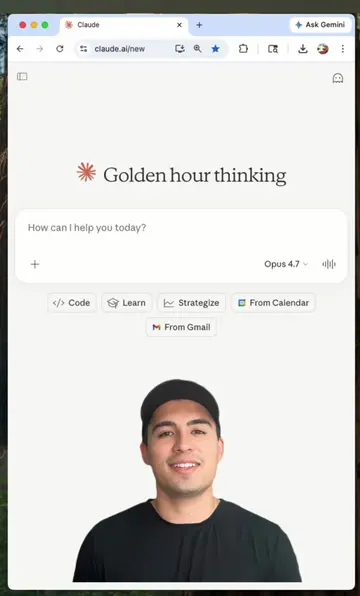
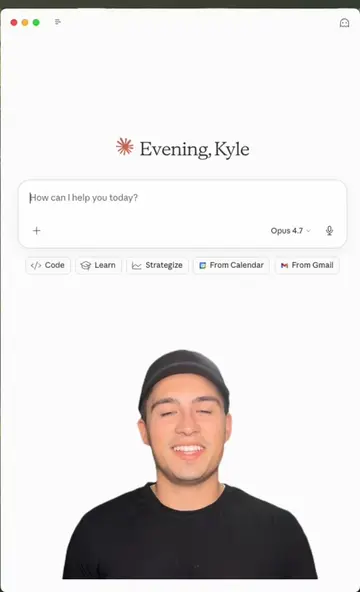
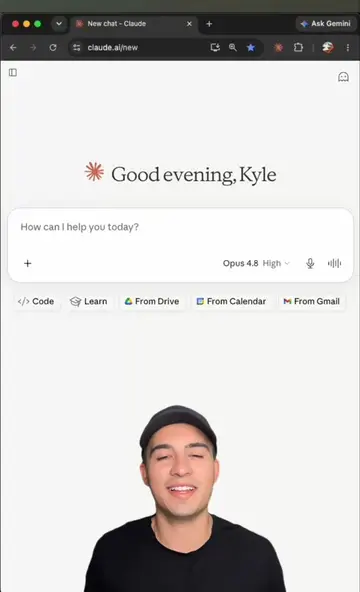
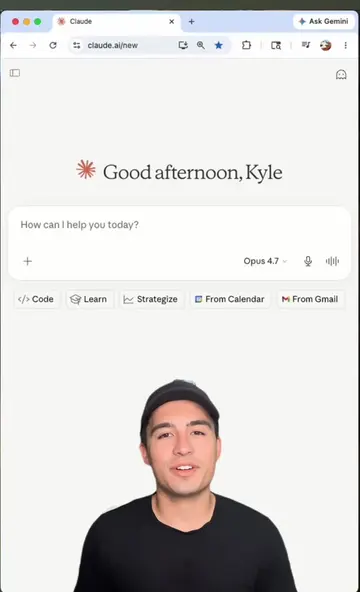
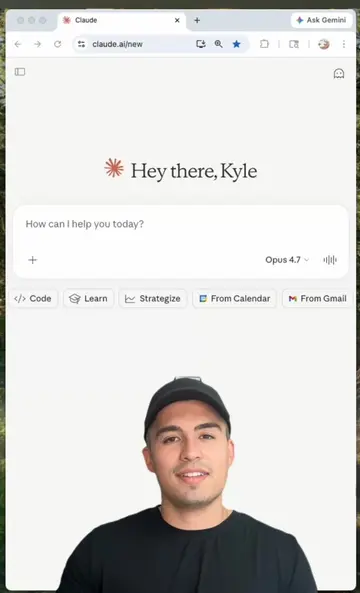
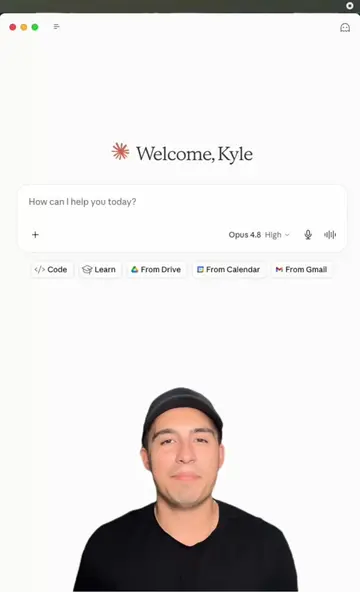
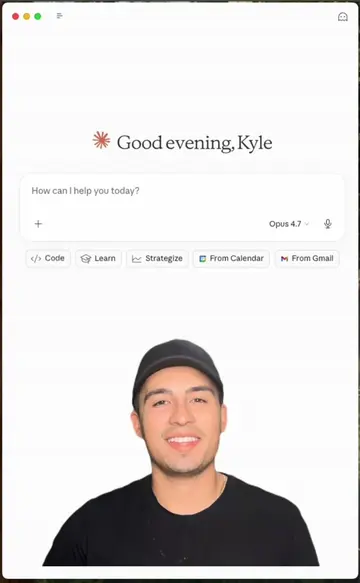
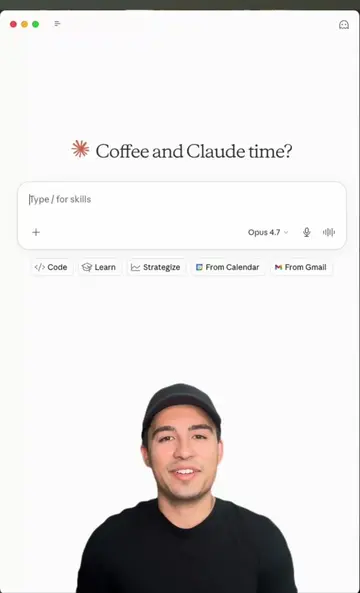
Let's create a motion ad in 60 seconds or less.
@kyle.meets.ai
15.9K followers · usually 2.6K views a post
Views
30.0K
Likes
975
Comments
25
Shares
162
Why it worked
The video provides immediate, high-value utility by showing a specific, impressive workflow that solves a common pain point (creating professional ads quickly), which naturally builds trust for the creator's paid prompt library.
Summary
The creator demonstrates how to use Claude Design to generate a custom motion ad for a coffee shop in under 60 seconds. He then directs viewers to his bio link to access a free prompt library and further resources on Claude workflows.
Structure
- 1Hook: Create a motion ad in 60 seconds.
- 2Demonstration: Using Claude Design to generate an ad.
- 3Explanation: Why the AI-generated ad is superior to templates.
- 4Customization: How to tweak the ad in real-time.
- 5CTA: Visit bio link for prompt library.
Product placement
Claude Design is the primary tool demonstrated; the creator's own prompt library (KyleMeetsAI) is the product promoted via the bio link.
Call to action
Hit the link in my bio and drop a comment below for what you'd like to see next.
Original caption
Create your first motion ad in 60 seconds or less 🤯 Using Claude Design, you can drop in a prompt and get a fully animated motion ad built from scratch, color palette, typography, and timing all done for you. I had it build a custom ad for a Miami coffee shop weekend promo and it actually nailed the vibe. Comment PROMPT if you'd like the prompt to create your own motion ad.If you want to go deeper on Claude workflows or grab a free prompt library full of use cases, check out the link is in my bio. .#aimadeeasy #learnai #ad #ai #claude #claudeai #design #motion
More from @kyle.meets.ai
Their other posts in the index, biggest breakout first.