Loading video…
Sound

original sound - kyle.meets.ai
Kyle Ai 🤖 · Original audio
0:00–:––
Playing this video’s own audio, so you’ll hear the creator over the sound.
Hook
Posted Apr 22, 2026Video · 0:45by @kyle.meets.ai
This video promotes it, but we haven’t matched it to a product page yet, so there are no product figures.
The video provides immediate, tangible value by showing a complex task (app prototyping) being simplified into a quick, accessible workflow, which encourages viewers to try the tool themselves.
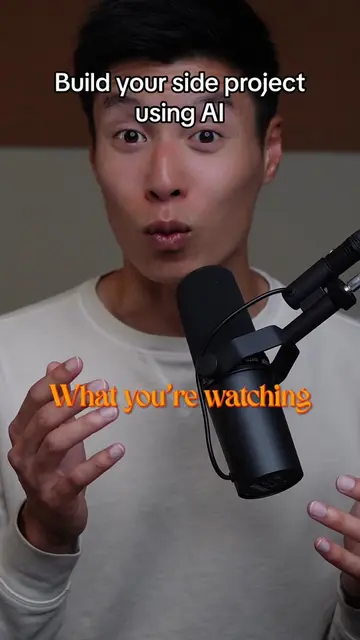
The creator demonstrates how to use the new prototyping feature in Claude to design a mobile app from scratch using natural language prompts. He shows how the AI generates a high-fidelity, interactive design and allows for real-time iterations based on follow-up requests.
Design your FIRST mobile app in 60 seconds or less 🤯 I just used Claude's new Design feature to prototype a mood tracker app called Sunshine that gives me a daily compliment and shows my streak, all without writing a single line of code. Imagine turning any app idea you've had into a real interactive design in minutes. Take this one step further by iterating right in chat. I asked Claude to add a journal page and make the buttons bigger, and the design updated live 📱 What app would YOU build first? #aimadeeasy #learnai #productivity #claude #ai #design
Let's design your first mobile app in 60 seconds or less.
Introduction to the 60-second app design challenge
Navigating to the Claude Design workspace
Prompting the AI to create a mood tracker app
Reviewing the generated high-fidelity prototype
Iterating on the design via chat commands
Final result and call to action
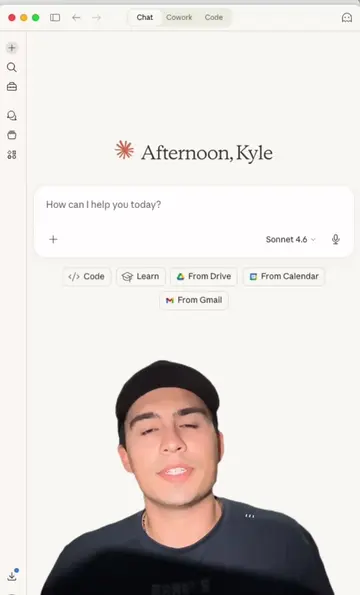
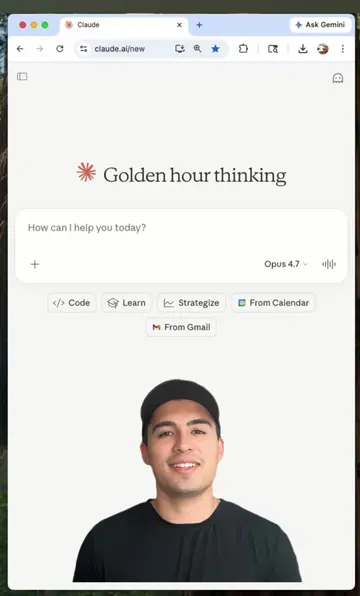
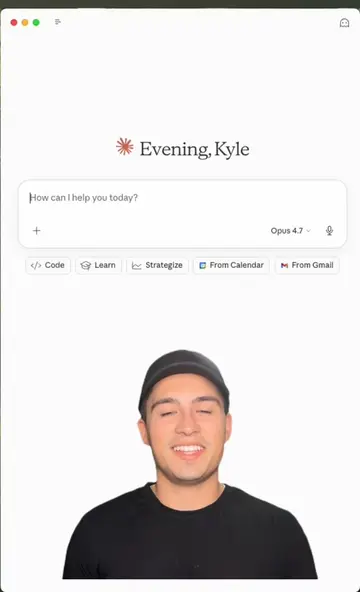
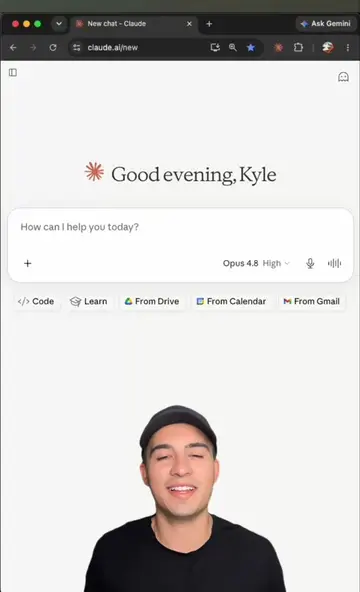
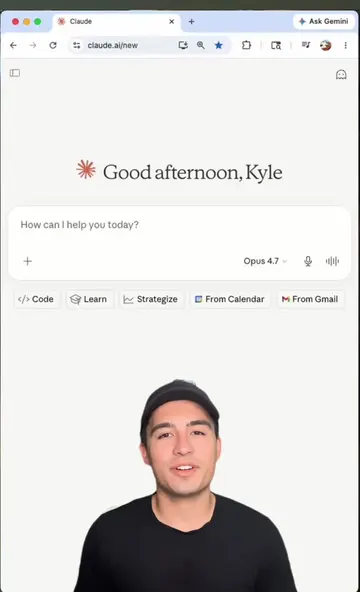
The video is a screen recording of the Claude AI interface, demonstrating its new 'Design' feature.
Save this and try with your own app idea. Drop a comment if you want me to dive deeper into what else you can build with Claude Design.
Playing this video’s own audio, so you’ll hear the creator over the sound.
Promotes 2 products. Create free account to see more.
Outliers and viral hits: their videos on Overshot, all time.