Loading video…
Sound

original sound - kyle.meets.ai
Kyle Ai 🤖 · Original audio
0:00–:––
Playing this video’s own audio, so you’ll hear the creator over the sound.
Hook
Posted Jun 3, 2026Video · 0:23by @kyle.meets.ai
This video promotes it, but we haven’t matched it to a product page yet, so there are no product figures.
It solves a common, high-friction problem (designing a professional LinkedIn banner) using a popular AI tool, making the process feel accessible and fast.
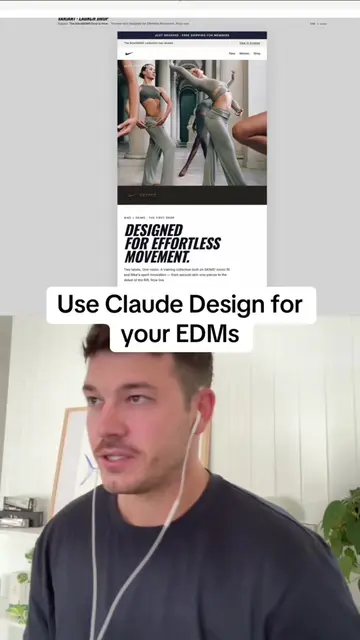
The creator demonstrates how to use the Claude AI design feature to generate a professional LinkedIn banner in under a minute. He provides a prompt-based workflow that allows users to input their professional details to get a custom design.
Design your own LinkedIn banner with AI in 60 seconds or less 🤯 Comment "BANNER" for the prompt 🤯 👇 I gave Claude my role, industry, and the vibe I wanted, and it generated a clean banner I could drop straight onto my profile. Take this one step further by asking it to match your brand colors or add a tagline. For free prompts and additional AI support, check out the link in my bio 🎁. What should I design next? #ai #aimadeeasy #design @claude #linkedin #personalbranding
Let's create your own LinkedIn banner in 60 seconds or less.
Hook with value proposition
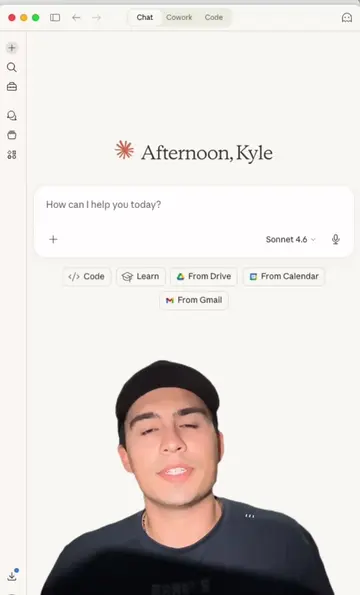
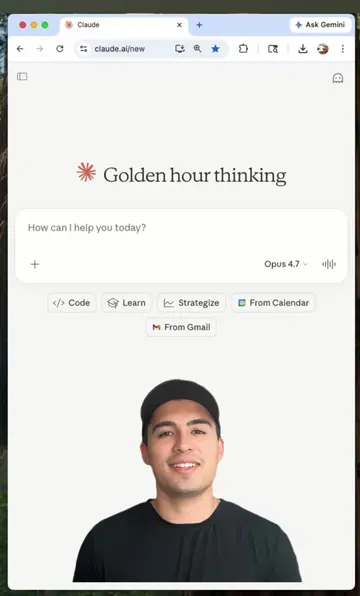
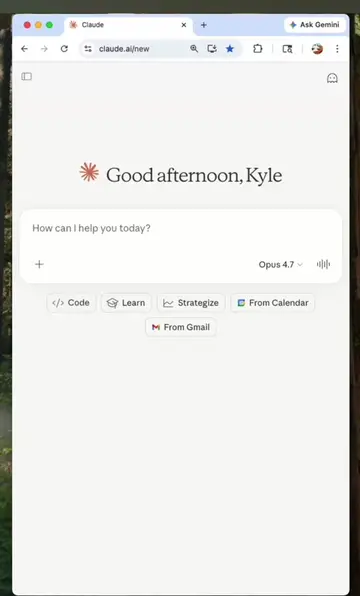
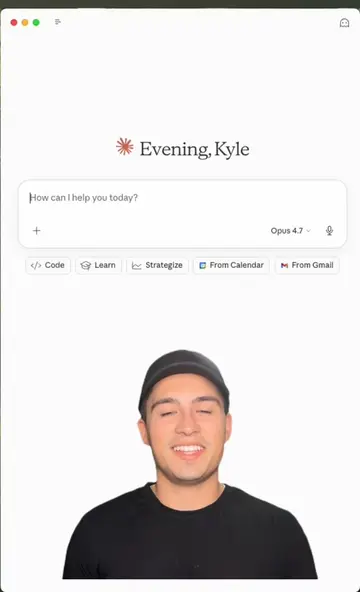
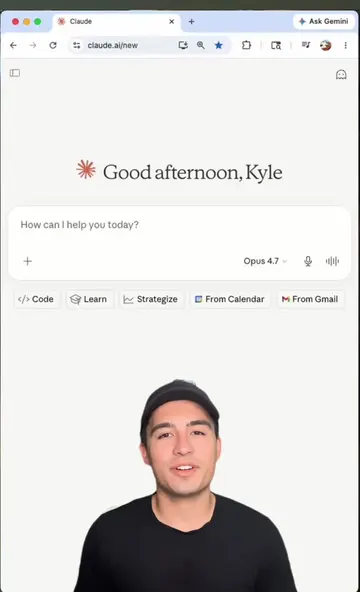
Screen recording of the Claude interface
Inputting the design prompt
Showing the generated banner result
Call to action to comment for the prompt
The video is a direct screen-recorded demonstration of the Claude AI interface, specifically the 'Claude Design' feature.
Comment "BANNER" for the prompt
Playing this video’s own audio, so you’ll hear the creator over the sound.
Promotes 2 products. Create free account to see more.
Outliers and viral hits: their videos on Overshot, all time.