Loading video…
All breakouts
 CapCutseen in 576 videos →
9.5App DemoOther hookEducation
Hook
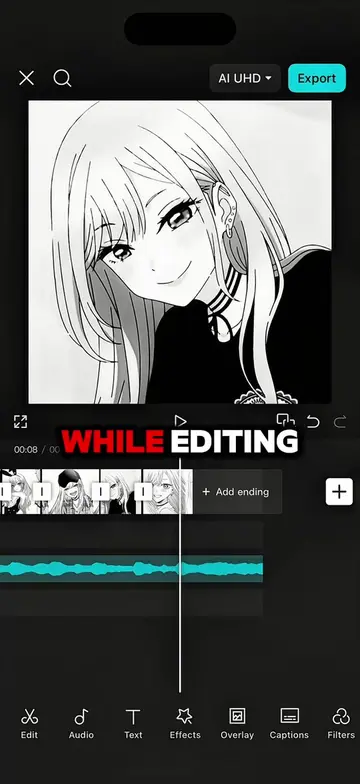
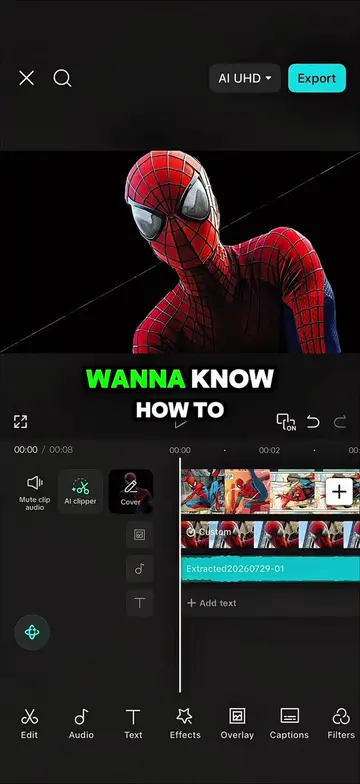
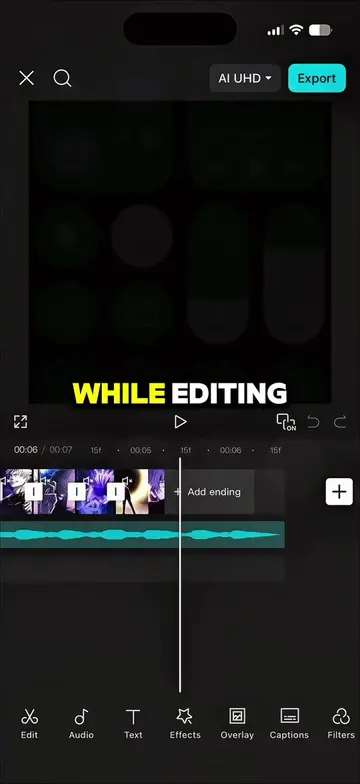
While editing
@maynardguillero__
243.3K followers · usually 19.3K views a post
Views
182.8K
Likes
9.4K
Comments
428
Shares
747
Selling · SaaS › Other SaaS
Why it worked
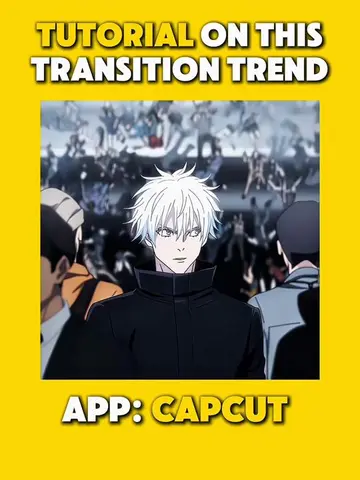
The video provides a clear, step-by-step tutorial on how to achieve a popular, dynamic editing style using a widely accessible tool (CapCut). The use of on-screen text and visual demonstrations makes it easy to follow, and the 'before and after' reveal creates a satisfying payoff.
Summary
This video demonstrates how to enhance video edits using CapCut. It shows how to add keyframes, use graph settings, incorporate black screens with opacity changes, and apply animations like turbulence and tremor strobe effects to make edits more dynamic.
Structure
- 1Realizing the edit is boring
- 2Applying keyframes and graph settings
- 3Adding black screens with opacity
- 4Applying turbulence and tremor strobe animations
- 5Showing the final result
Product placement
CapCut is used throughout the video to demonstrate editing techniques. Specific features like keyframes, graph settings, animations (turbulence, tremor strobe), and opacity adjustments are shown.
On-screen text
Original caption
Follow me and repost for more tutorials 🔥 #capcut #capcutpioneer #capcutedit #tutorial #edit
More from @maynardguillero__
Their other posts in the index, biggest breakout first.