Loading video…
All breakouts
 CapCutseen in 576 videos →
28.1App DemoHow-To hookEducation
Hook
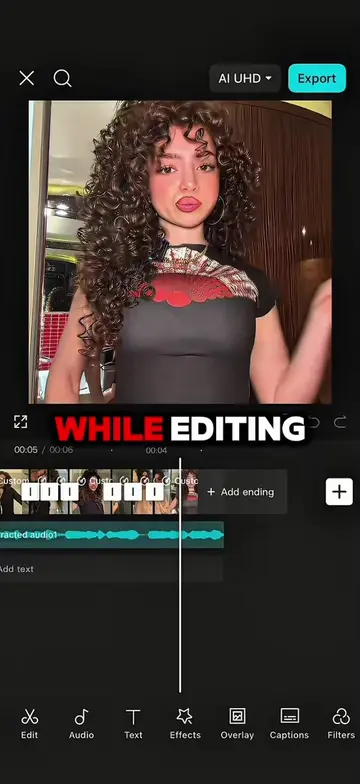
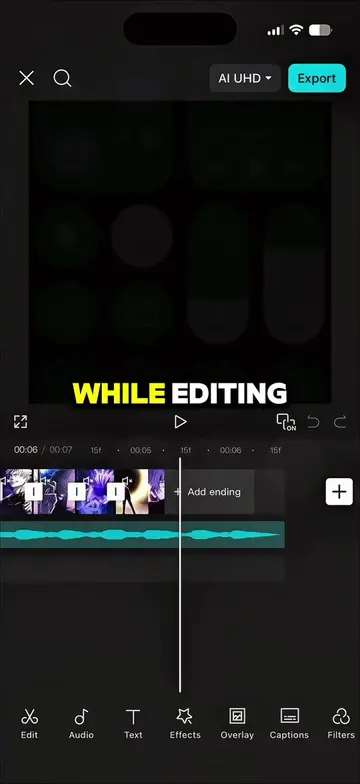
WHILE EDITING
@maynardguillero__
243.3K followers · usually 19.3K views a post
Views
540.5K
Likes
24.9K
Comments
626
Shares
1.8K
Selling · SaaS › Other SaaS
Why it worked
The video provides a clear, step-by-step tutorial on creating visually engaging edits using popular effects and transitions within CapCut, appealing to users looking to enhance their video editing skills.
Summary
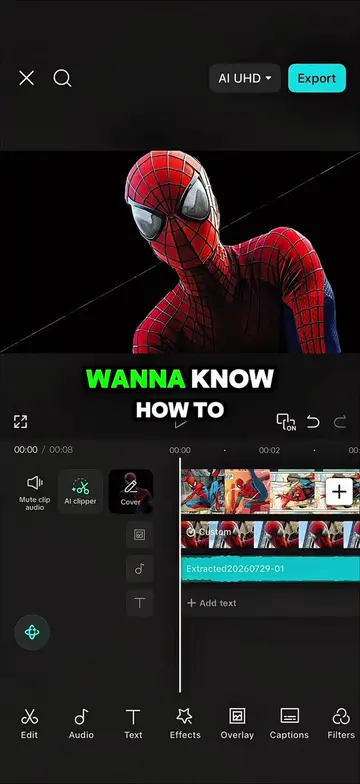
This video demonstrates how to enhance anime edits in CapCut by adding various effects and transitions. It covers background removal, stroke luminance, keyframe animations, and different transition types like left, right, spin wheel, rotate, zoom, and ripple effects.
Structure
- 1Introduce the problem of boring edits
- 2Demonstrate background removal and stroke luminance
- 3Apply keyframe animations for zoom effects
- 4Add various transitions between photos
- 5Apply ripple effects and duplicate them
- 6Show the final results
Product placement
CapCut (editing software)
Original caption
Follow me and repost for more tutorials 🔥 #capcut #capcutpioneer #capcutedit #tutorial #edit
More from @maynardguillero__
Their other posts in the index, biggest breakout first.