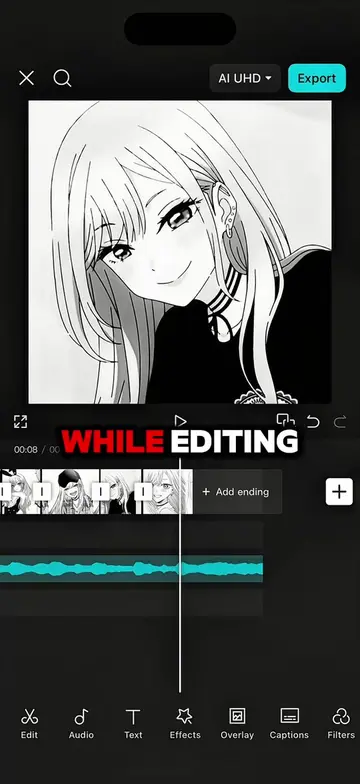
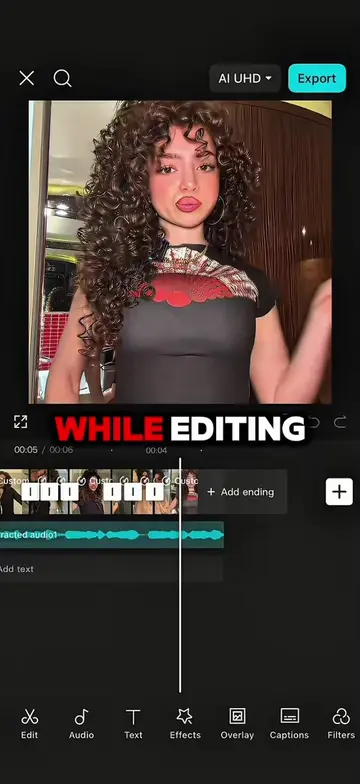
Loading video…
All breakouts
 CapCutseen in 576 videos →
18.2App DemoHow-To hookEducation
Hook
TUTORIAL ON THIS TRANSITION TREND
@maynardguillero__
243.3K followers · usually 19.3K views a post
Views
349.3K
Likes
25.1K
Comments
457
Shares
2.1K
Selling · SaaS › Other SaaS
Why it worked
The video provides a clear, step-by-step tutorial for a popular video editing trend, making it highly shareable and useful for creators looking to replicate the effect. The use of on-screen text and visual cues makes it easy to follow even without sound.
Summary
This video provides a tutorial on how to create a specific transition trend using the CapCut app. It guides viewers through adding keyframes, applying graphs, and using animations and filters to achieve the desired effect.
Structure
- 1Add keyframes to clips
- 2Zoom in on keyframes
- 3Apply graphs
- 4Add 'unfold' animation
- 5Add overlay and apply filter with keyframes
- 6Apply graph to overlay
- 7Show result
Product placement
Original caption
Follow me and repost for more tutorials 🔥 #capcut #capcutpioneer #capcutedit #tutorial #edit
More from @maynardguillero__
Their other posts in the index, biggest breakout first.