Loading video…
All breakouts
 CapCutseen in 576 videos →
6.3App DemoOther hookEducation
Hook
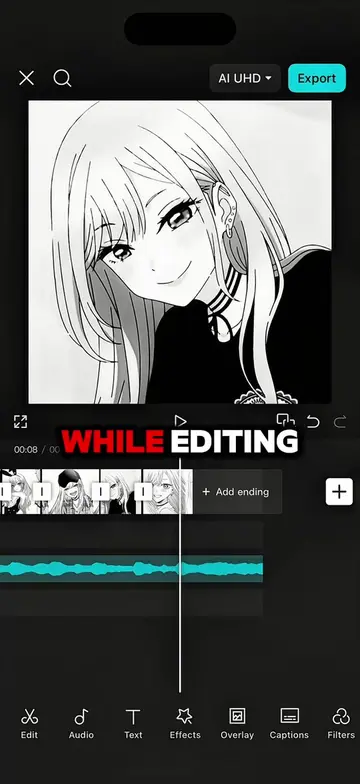
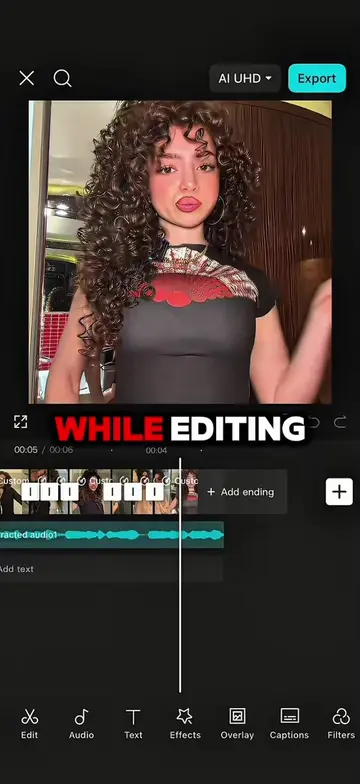
WHILE EDITING
@maynardguillero__
243.3K followers · usually 19.3K views a post
Views
121.9K
Likes
4.6K
Comments
230
Shares
364
Selling · SaaS › Other SaaS
Why it worked
The video provides a clear, step-by-step tutorial for a popular editing style, making it highly shareable and valuable for users looking to improve their video content.
Summary
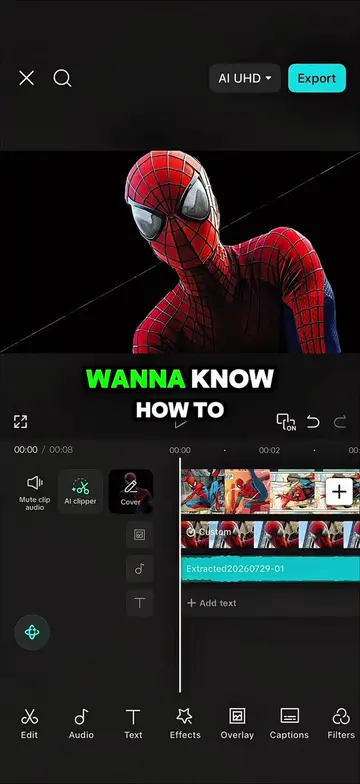
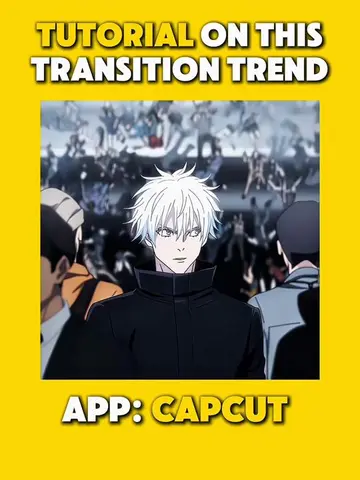
This video demonstrates how to create a dynamic anime edit using CapCut. It walks through freezing frames, applying strokes, masks, and various effects like wide angle, ripple, and transitions to achieve a polished look.
Structure
- 1Introduce the problem of a boring edit
- 2Demonstrate freeze frame and overlay technique
- 3Apply stroke and mask effects
- 4Add wide angle and ripple effects
- 5Apply transitions and duplicate effects
- 6Show the final result
Product placement
CapCut is used throughout the video to demonstrate editing techniques.
On-screen text
WHILE EDITING
I REALIZED
HOW BORING
AND FLAT
THIS EDIT LOOKED
GOOD THING
MY GRANDMA
TAUGHT ME
THESE TRICKS
FIRST FREEZE
THE BEGINNING
OF THE FIRST CLIP
THEN OVERLAY
THE FROZEN FRAME
DRAG IT
BEFORE THE
ORIGINAL CLIP
AND SPLIT
THE REMAINING
PART
NEXT GO
TO REMOVE
BACKGROUND AND
CHOOSE AUTO
REMOVAL
AFTER THAT
OPEN STROKE
SET LUMINANCE
TO BLACK
OPACITY TO
100 AND SIZE
TO 50
THEN APPLY
A HORIZONTAL
MASK
MOVE THE LAST KEYFRAME
UPWARD
AND FINALLY OPEN
GRAPHS
AND SELECT
FLOW TWO
NEXT GO
TO EFFECTS
AND SEARCH
FOR WIDE ANGLE
THEN ADJUST
IT TO
MATCH THE
LENGTH OF THE
VIDEO CLIP
AND SET
OBJECTS TO
ALL VIDEOS
ADD A KEYFRAME IN
THE MIDDLE
AND SET
THE INTENSITY
TO 100
THEN ADD
KEYFRAMES AT
THE BEGINNING
AND END OF
THE CLIP
SETTING BOTH
OF THEIR INTENSITY
VALUES TO 0
FINALLY OPEN
GRAPHS
AND APPLY
CUBIC IN
TO THE FIRST KEYFRAME
AND CUBIC OUT TO THE
LAST KEYFRAME
AFTER THAT
GO TO
TRANSITIONS AND
ADD LEFT
THEN APPLY
PINWHEEL WIPE
AS THE NEXT TRANSITION
FOLLOWED BY
DOWN FINALLY
REPEAT THE
FIRST TWO
TRANSITIONS
TO COMPLETE
THE SEQUENCE
NEXT ADD
THE RIPPLE
EFFECT AND
GO TO OBJECT
SELECT ALL
VIDEOS SET
SHARPEN BLUR
AND SIZE
TO 0
SPEED TO
60 INTENSITY
TO 0
AND TWIST
TO 100
THEN ADD
TWO KEYFRAMES
AND ON
THE LAST KEYFRAME
CHANGE THE TWIST VALUE
FROM 100
TO 70
AND I DUPICATED THE EFFECT
AND PLACED IT ON THE
FOLLOWING BEATS
FINALLY I
DUPLICATED IT
TWO TIMES
AND HERE'S
THE RESULT
Original caption
Follow me and repost for more tutorials 🔥 #capcut #capcutpioneer #capcutedit #tutorial #edit ctto: @NQ - Clips for Editing
More from @maynardguillero__
Their other posts in the index, biggest breakout first.