Loading video…
All breakouts
 CapCutseen in 576 videos →
25.4App DemoDirect Question hookEducation
Hook
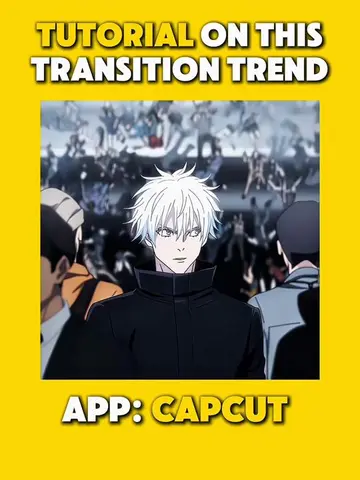
Wanna know how to make this kind of intro?
@maynardguillero__
243.3K followers · usually 19.3K views a post
Views
487.3K
Likes
26.8K
Comments
708
Shares
4.7K
Selling · SaaS › Other SaaS
Summary
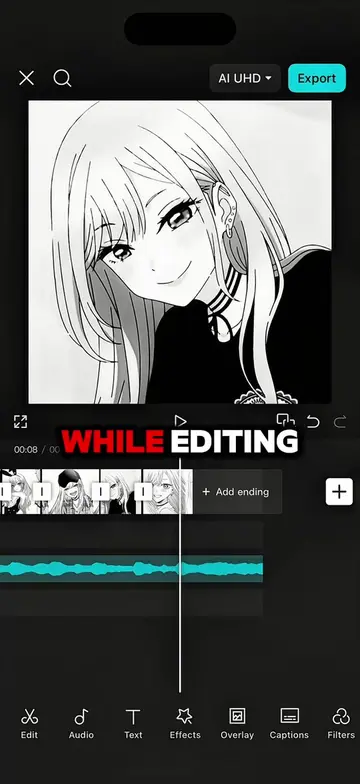
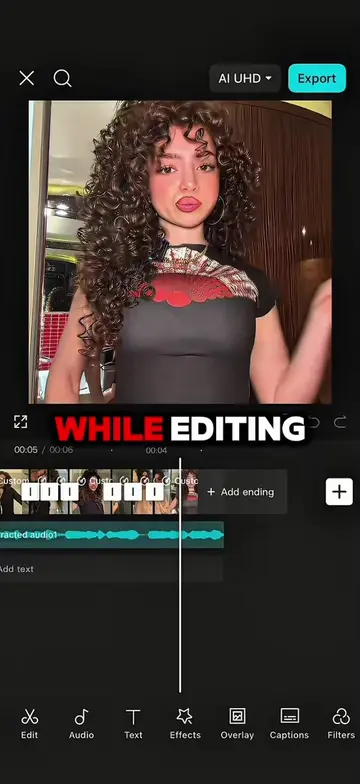
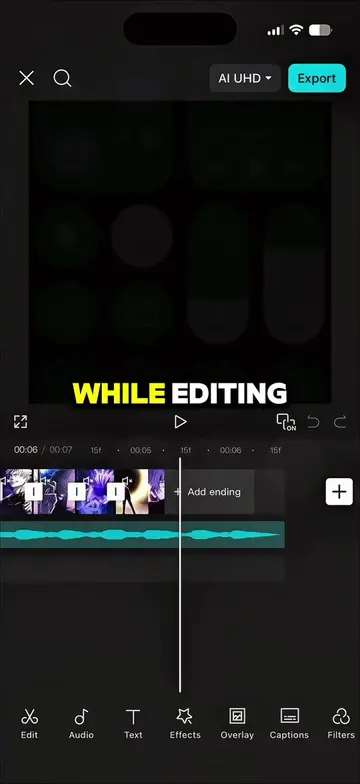
This video demonstrates how to create a dynamic intro effect using CapCut. It involves preparing photos, exporting, importing, duplicating, applying effects, and using masking with keyframes.
Transcript
Wanna know how to make this kind of intro? Let me show you how. First get your photos ready and cut each one to 0.1 second. After that export the video. Import your exported video, then duplicate it depending on your preference. Go to effects and search for cult classic. Then export it. Next, Import your exported video, then add another clip as an overlay. After that, go to overlay and remove the background. Then select the main clip, go to mask and choose mirror. Squeeze the mask, then add a key frame at the start and end. On the second key frame, widen the mask just like I did in the video. And here's the result.
Original caption
Follow me and repost for more tutorials 🔥 #capcut #capcutpioneer #capcutedit #spiderman #tutorial
More from @maynardguillero__
Their other posts in the index, biggest breakout first.