Loading video…
Sound

original sound - fruitspc_yt
FruitsPC · Original audio
0:00–:––
Playing this video’s own audio, so you’ll hear the creator over the sound.
This video promotes it, but we haven’t matched it to a product page yet, so there are no product figures.
The video taps into the popular "budget build" and "PC upgrade" trends, offering a relatable and aspirational project for PC enthusiasts. The use of emojis and a clear progression of steps makes it engaging, while the cliffhanger ending with a "blue screen of death" creates anticipation for a follow-up video.
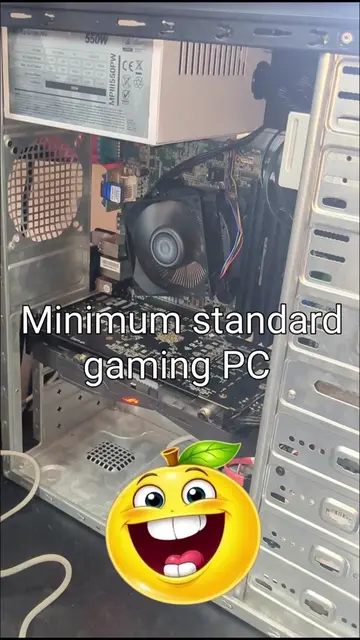
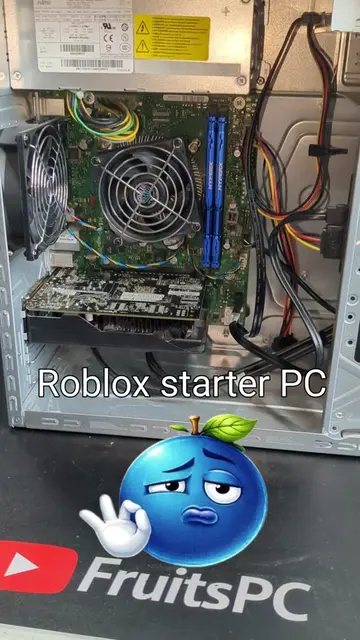
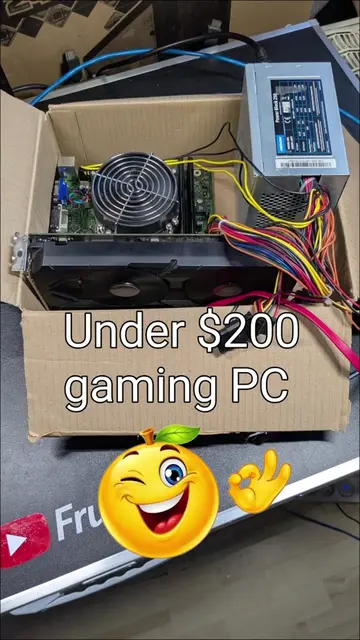
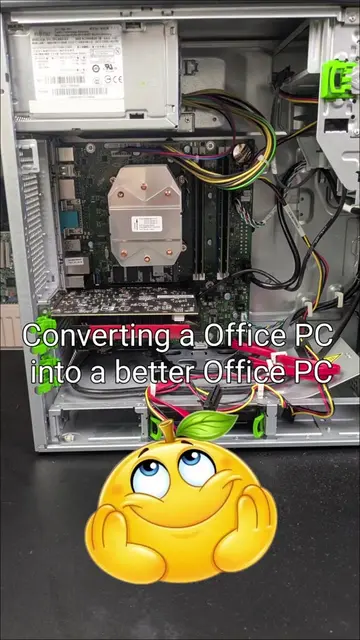
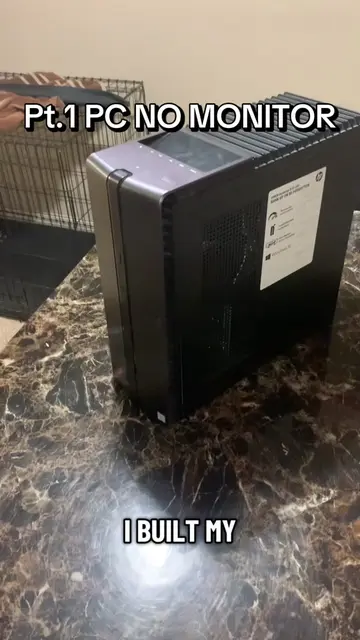
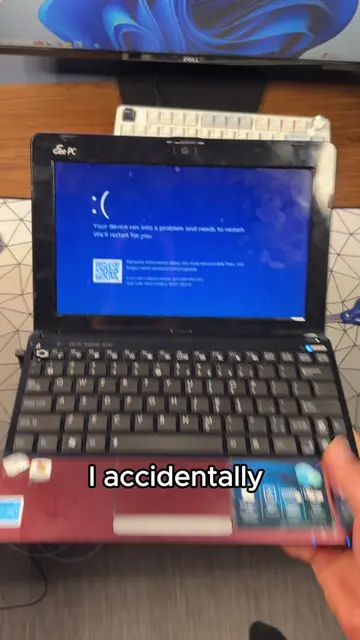
The creator upgrades a $25 budget gaming PC from 2016 by adding an SSD, extra case fan, and more RAM, but encounters a blue screen of death upon attempting to boot Windows. The video ends with a promise of a part 2 coming tomorrow.
Budget gaming PC 2016 edition😈💯🔥😎🥀🥰👻💥 I can't describe my anger right now...but Part 2 coming tomorrow, let's see If this works. Love ur support, thanks for reading and join the Discord! #computertricks #pcmasterrace #pcbuildingtips #gamingpcsetup #gigachad🗿
Budget gaming PC 2016 edition
Showcase budget PC
Disassemble and inspect components
Add SSD, extra fan, and RAM
Attempt to boot and encounter BSOD
Tease Part 2
Fujitsu (appears, does not act, removing it would not change what happens in the video) SanDisk SSD PLUS (acts, its interface is operated, it generates a visible result, removing it would change what happens in the video) Intel Core i3-6100 (acts, its interface is operated, it generates a visible result, removing it would change what happens in the video) AEGIS (appears, does not act, removing it would not change what happens in the video) GeForce GTX 1060 6GB (acts, its interface is operated, it generates a visible result, removing it would change what happens in the video)
Join the Discord!!! Follow fruitspc_yt on Instagram!!!
Playing this video’s own audio, so you’ll hear the creator over the sound.
Promotes 1 product. Create free account to see more.
Outliers and viral hits: their videos on Overshot, all time.