Loading video…
Sound

original sound - fruitspc_yt
FruitsPC · Original audio
0:00–:––
Playing this video’s own audio, so you’ll hear the creator over the sound.
The video appeals to a niche audience interested in PC building and upgrades by demonstrating a practical, budget-friendly transformation of an old office PC into a more capable machine. The use of humor and clear on-screen text makes the technical process accessible and engaging.
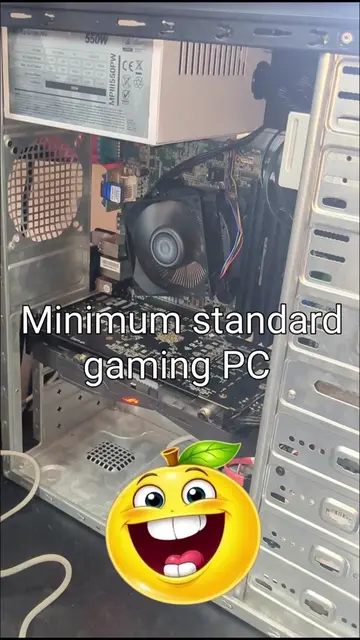
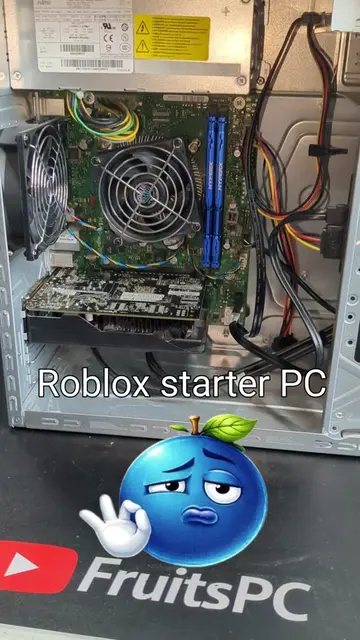
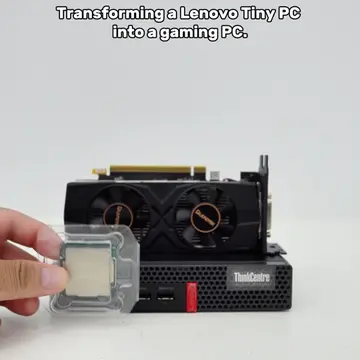
The video shows the process of upgrading an old Fujitsu Celsius W550 office PC by replacing components like the CPU, RAM, storage, and graphics card. After the upgrades, the PC is shown booting up and running Cyberpunk 2077 at low settings, achieving 30 FPS.
How to upgrade an Office PC💥🥀💀💯 today i show u how to upgrade this old office PC :D #computertricks #pcbuildingtips #PCbuild #guide #learning
Converting a Office PC
Showcasing the old office PC
Disassembling and cleaning components
Installing new CPU, RAM, NVMe SSD, and HDD
Reusing the old GPU
Reassembling the PC
Testing the upgraded PC with a game
Fujitsu Celsius W550: This is an office PC that is being upgraded. It ACTS as the base for the upgrade. Removing it would change what happens in the video. Intel Core i5-6500: This is a CPU that is being installed into the PC. It ACTS as a component of the upgraded PC. Removing it would change what happens in the video. Arctic MX-4: This is thermal paste being applied to the CPU. It ACTS as a component for the CPU cooler installation. Removing it would change what happens in the video. 16GB DDR4 RAM: This is RAM being installed into the PC. It ACTS as a component of the upgraded PC. Removing it would change what happens in the video. 1TB NVMe SSD: This is a storage drive being installed into the PC. It ACTS as a component of the upgraded PC. Removing it would change what happens in the video. 500GB HDD: This is a storage drive being installed into the PC. It ACTS as a component of the upgraded PC. Removing it would change what happens in the video. Lenovo RX560 4GB: This is a graphics card being installed into the PC. It ACTS as a component of the upgraded PC. Removing it would change what happens in the video. SanDisk SSD PLUS: This is a Solid State Drive being benchmarked. It ACTS as a storage component of the upgraded PC. Removing it would change what happens in the video. ViewSonic monitor: This is a monitor displaying the PC's boot process and game settings. It ACTS as the display for the upgraded PC. Removing it would change what happens in the video. Windows 10 Pro: This is the operating system installed on the PC. It ACTS as the software running on the upgraded PC. Removing it would change what happens in the video. Cyberpunk 2077: This is a game being run on the upgraded PC to test performance. It ACTS as a benchmark for the upgraded PC. Removing it would change what happens in the video. FruitsPC: This is the creator's handle/name, appearing on screen and in the bio link. It APPEARS as branding. Removing it would not change what happens in the video. Linktree: This is a link aggregator in the creator's bio. It APPEARS as a destination for more links. Removing it would not change what happens in the video.
Follow fruitsPC_yt on Instagram!!
Playing this video’s own audio, so you’ll hear the creator over the sound.
Workstation desktop PC for people upgrading or running demanding applications
All time.
Promotes 1 product. Create free account to see more.
Outliers and viral hits: their videos on Overshot, all time.