Loading video…
All breakouts
6.4Talking HeadDirect Question hookConsumer Apps
Hook
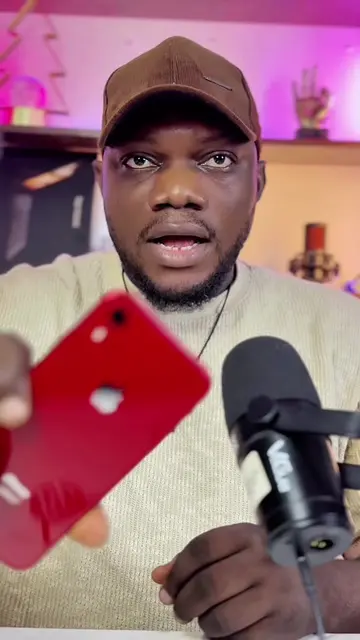
Have you ever noticed this tiny green orange and red dot at the top of your iPhone?
@olgmedia_bkp
206.0K followers · usually 50.1K views a post
Views
322.7K
Likes
18.5K
Comments
231
Shares
443
Promoted product
iPhone
Why it worked
The video addresses a common user interface element on iPhones that many people notice but may not understand, providing clear and concise explanations for each indicator. This informational content is highly shareable among iPhone users.
Summary
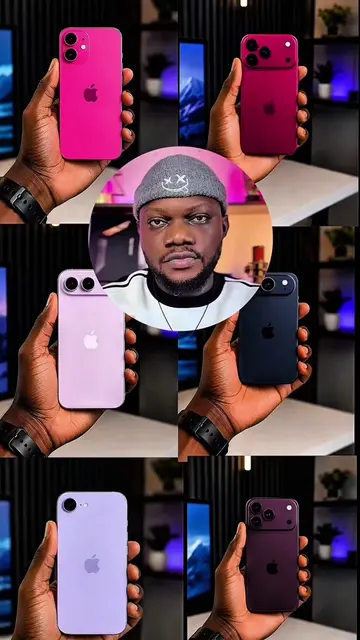
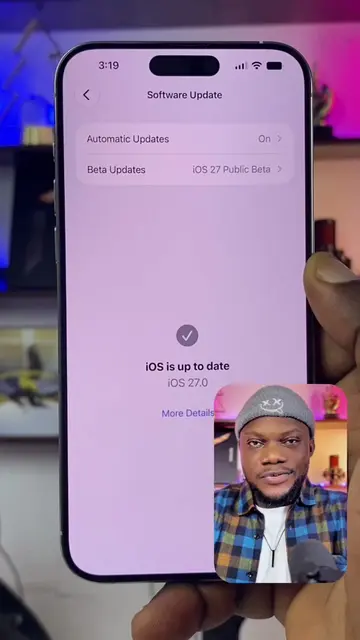
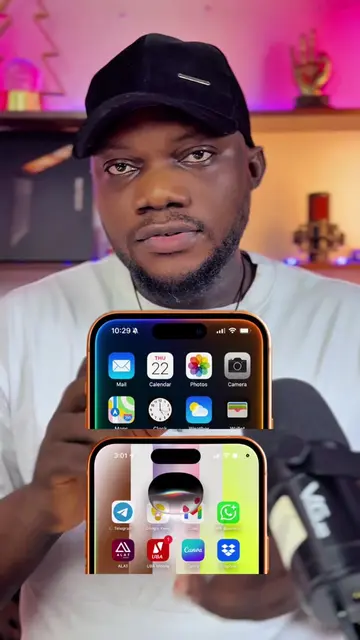
This video explains the meaning of the green, orange, and red dots that appear at the top of an iPhone screen. The green dot indicates camera usage, the orange dot signifies microphone usage, and the red dot shows that the screen is being recorded.
Structure
- 1Introduction to the dots
- 2Explanation of the green dot (camera usage)
- 3Explanation of the orange dot (microphone usage)
- 4Explanation of the red dot (screen recording)
- 5Conclusion and call to action
Product placement
iPhone (ACTS - its interface is operated, its result is shown, its features are explained. Removing it would change what happens in the video.)
Call to action
Share this video to all iPhone users. Like section
On-screen text
tiny
orange
at
iPhone
seen
you
seeing
someone
and
you
video
dots
green
you
green
means
currently
your
example
on
Instagram
camera
video
can
green
come
using
that
still
your
please
which
currently
camera
monitoring
light
appears
using
you
voice
WhatsApp
call
voice
memo
orange
the
screen
this
that
red
appears
are
screen
right
see
there
dot
is
actually
time
three
iPhone
scared
exactly
them
watching
did
this
and
also
like
section
Original caption
The Red, Oranage and Green dot on your IPhone. #apple #ios #iphone
More from @olgmedia_bkp
More breakout videos from this creator.