Loading video…
Sound

original sound - themuthership
themuthership tiktok helen 💙 · Original audio
0:00–:––
Playing this video’s own audio, so you’ll hear the creator over the sound.
This video promotes it, but we haven’t matched it to a product page yet, so there are no product figures.
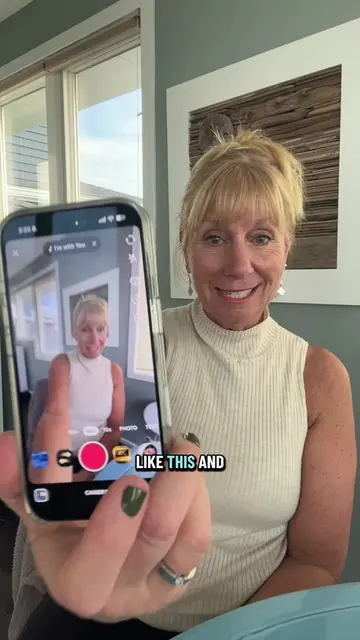
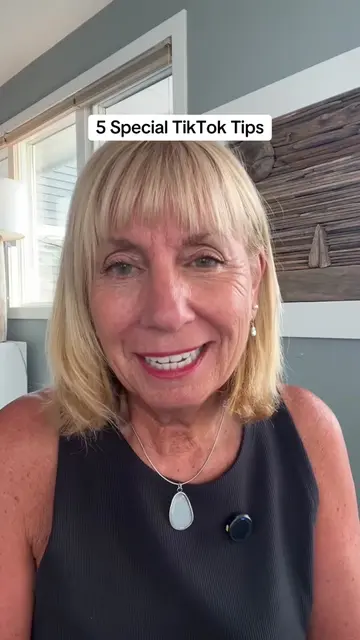
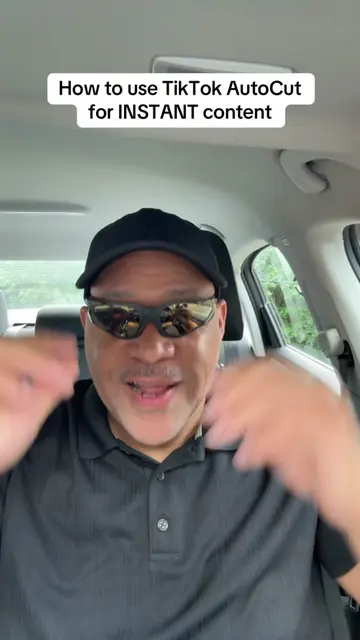
The video provides a clear, step-by-step tutorial on how to access and utilize a specific feature within TikTok, addressing a common creator need for licensed content without copyright issues. The visual demonstration on a phone screen makes the process easy to follow.
The video demonstrates how to access and use the TikTok Content Library. It guides viewers through their profile, TikTok Studio, and the Content Library section to find and download licensed video assets from movies and TV shows to use in their own TikTok content.
It doesn’t have all the options, but it’s a fun thing to check out! #tiktokcontentlibrary #tiktoktips
Do you know about the TikTok Content Library?
Introduce the TikTok Content Library
Navigate to profile and settings
Access TikTok Studio
Locate and explore the Content Library
Demonstrate finding and downloading assets
Explain limitations and alternatives
TikTok: ACTS - It is the platform where the video is posted and where the content library is accessed. Removing it would change what happens in the video. TikTok Studio: ACTS - It is a section within the TikTok app that provides tools and analytics for creators. Removing it would change what happens in the video. TikTok Content Library: ACTS - It is a feature within TikTok Studio that allows users to access and use licensed content. Removing it would change what happens in the video.
Playing this video’s own audio, so you’ll hear the creator over the sound.
Promotes 2 products. Create free account to see more.
Outliers and viral hits: their videos on Overshot, all time.